
1. Open Patisco on mobile and go to the "Shared Files" page. 2. At the top of the page, you can see a summary row showing the total number of files, folders, and categories. 3. Click the "+ Add Main Folder" button above the list. 4. Enter the folder name and confirm. The new main folder will be created.
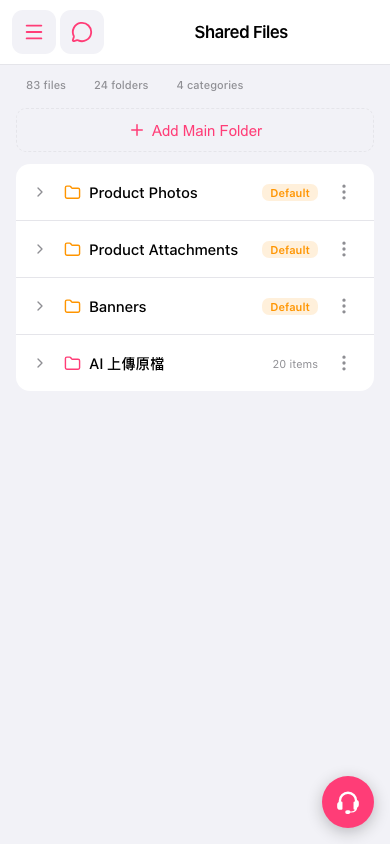 手機版|Shared Files(共享檔案)