
1. After entering the Shared Files page, find the folder you want to work with. 2. Click the ">" arrow on the left side of the folder row to expand it and view its subfolders or file contents. 3. Click directly on the folder name to enter that folder and view all its contents. 4. Click the "⋮" icon on the right side of the folder row to open the actions menu, where you can rename or delete the folder.
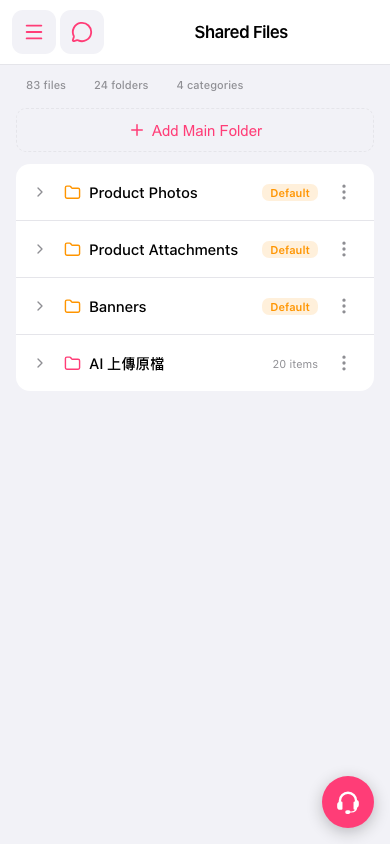 手機版|Shared Files(共享檔案)