
1. There are two icons on the top left: the leftmost "≡ hamburger menu" expands the side navigation menu to switch between function modules; the "💬 message icon" to its right opens the message or notification center. 2. The "⚙ settings icon" at the top right is specifically for opening Analytics-related settings, such as adjusting the display content or parameters of Analytics. 3. If you need customer service assistance, click the "🎧 support icon" (pink floating button) at the bottom right of the screen to contact the support team.
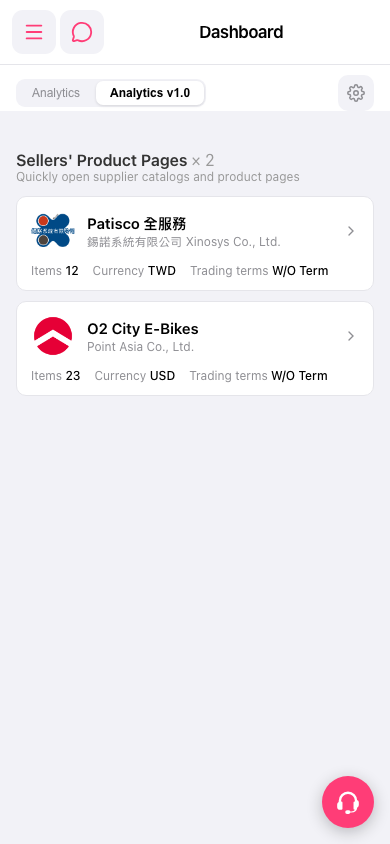 手機版|Dashboard