
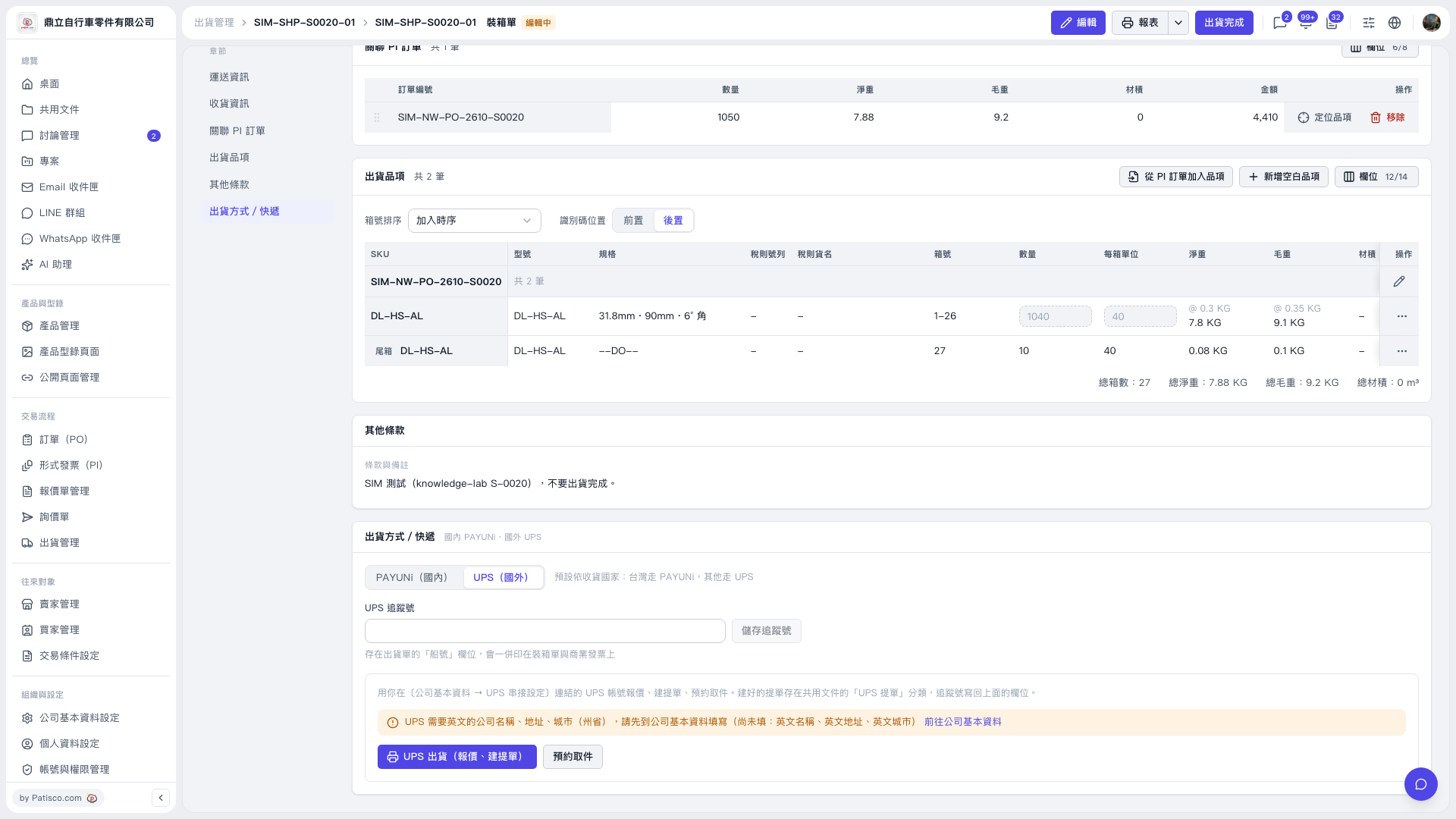
1. Verify the shipment items, carton numbers, quantities, and weights on the packing list. 2. Under “Shipping Method / Courier”, select “UPS (International)”. If prompted that the company name, address, and city in English are missing, click “Go to Company Basic Information”, complete the missing details, and return. 3. Click “UPS Shipping (Get Quote, Create Waybill)”, then confirm the sender, recipient, and package details on the following screens to view the quote. In this test, the recipient name was missing and had to be entered first. After switching to a manually entered US test address, the test successfully retrieved a quote. 4. You can ask: “Is anything missing from the recipient details on this document?” The AI would reply: “The recipient name is missing from the recipient details on this document.” 5. The note for this entry specifies that the shipment must not be completed. When checking the quote, do not click “Shipment Complete” in the upper-right corner.
 V5 新桌面版|SIM-SHP-S0020-01 裝箱單