
1. In the “Correspondence” section in the center of the project, find the attachment cards below the email content. 2. Click “uxm-spec-sheet.txt” or “uxm-drawing.pdf” to open or download the file. You can also select it from the “Attachments” section on the right. 3. To view the original thread containing the attachment, click “Back to original thread” below the message.
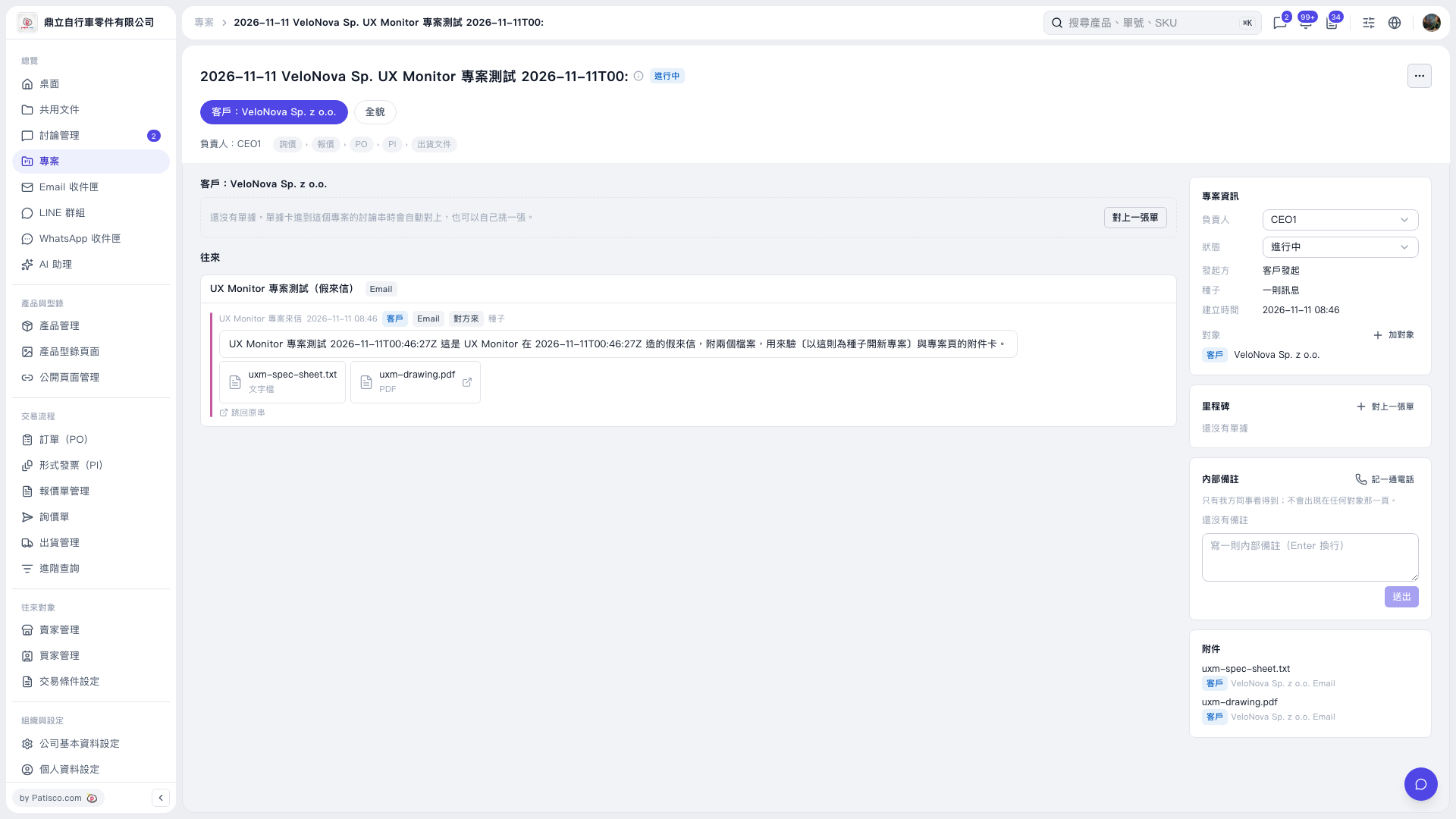 V5 新桌面版|2026-11-11 VeloNova Sp. UX Monitor 專案測試 2026-11-11T00: