
1. On the "My Profile" page, find the "BASIC INFO" section. 2. Tap the field you want to change: "Name", "Phone Number", "Job Title", or "Timezone" to open its settings. 3. Follow the screen that opens to edit and save your changes; the current screen does not show how to save.
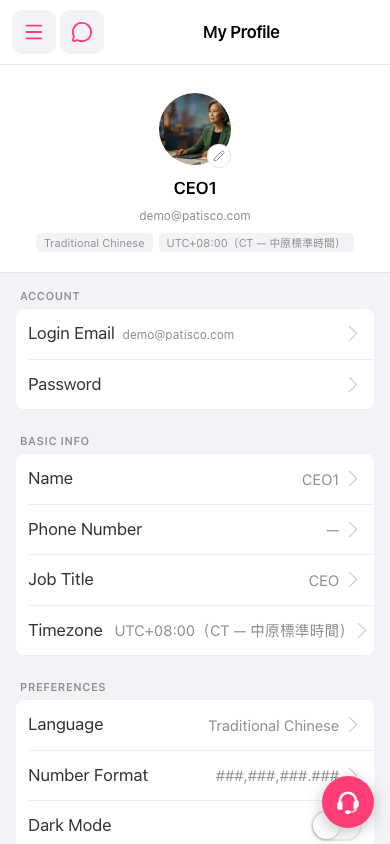 手機版|My Profile(我的個人資料)