
1. On the "AI Settings" page, select an AI provider and model, and enter the API Key. 2. Click "Update Settings" to save the provider and model together. Saving also activates the settings. 3. Click "Test Connection" and wait a few seconds. The test uses the saved settings. Changes made without clicking "Update Settings" will not be included in the test.
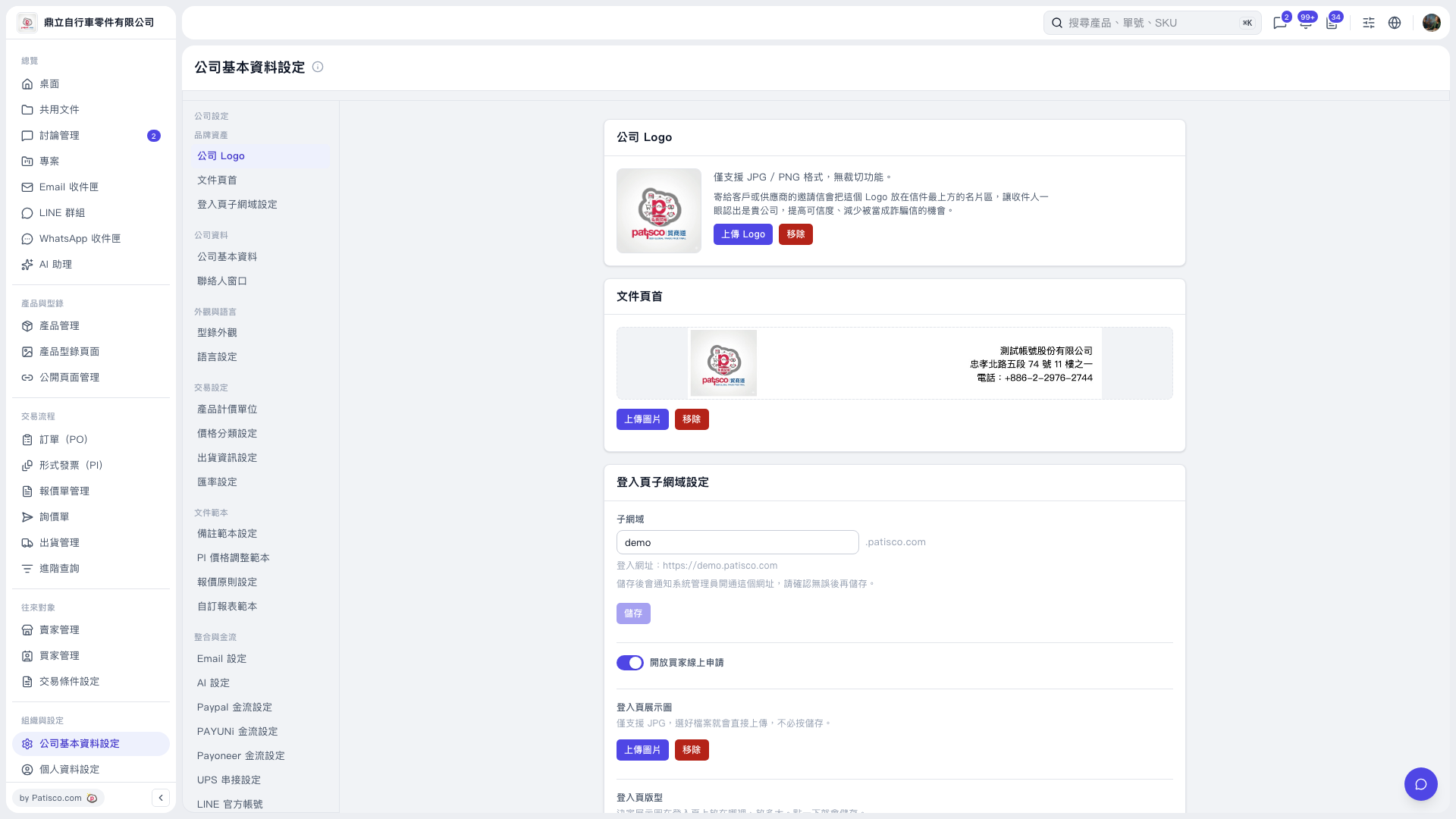 V5 新桌面版|公司基本資料設定