
1. In the BASIC INFO section of the My Profile page, find Name, Phone Number, or Job Title. 2. Tap the field you want to change or the arrow on its right to open the corresponding settings screen. 3. Follow the prompts on the screen that opens to update your information; the current screen does not show the editing details or a save button.
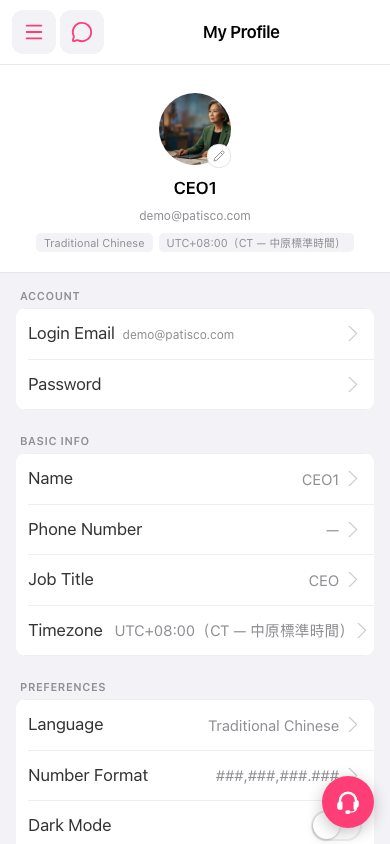 手機版|My Profile(個人資料)