
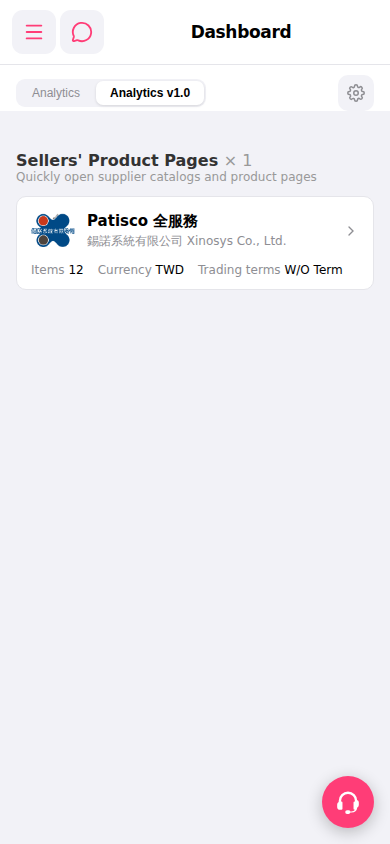
1. Open the mobile Patisco app and confirm that the Dashboard page is displaying the "Analytics v1.0" tab. 2. Scroll down to find the "Sellers' Product Pages" section, which lists the connected suppliers. 3. Click the arrow on the right side of "Patisco 全服務 >" to enter the supplier's product catalog page. 4. On the catalog page, you can browse the product list, which displays Items (number of items), Currency, Trading terms, and other information.
 手機版|Dashboard