
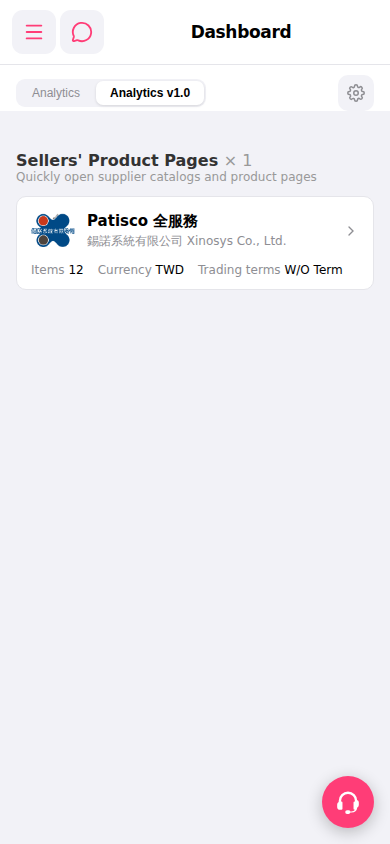
1. At the top of the Dashboard page, there is a tab bar. Currently, the "Analytics v1.0" tab is displayed by default. 2. To switch to the other analytics view, click the "Analytics" tab on the left side of the tab bar. 3. If you need to adjust the Dashboard display settings, click the "⚙ Settings" gear icon in the top right to configure it.
 手機版|Dashboard