
1. On the company details page for the buyer “Velostrada Distribution GmbH,” find “Contacts (Email / LINE).” If the section is already expanded, you can view it directly. If it is collapsed, tap to expand it. 2. Check the contact names and email addresses. This section currently shows two contacts. 3. Tap the relevant email link, such as “purchasing@velostrada.test” or “einkauf@velostrada.example,” to contact them at that address.
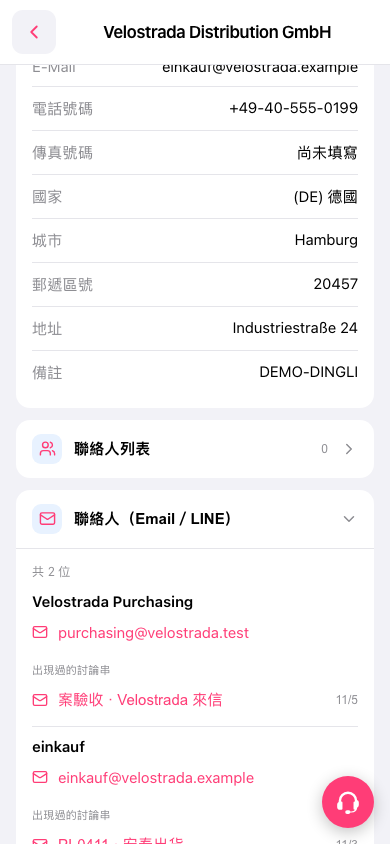 手機版|Velostrada Distribution GmbH