
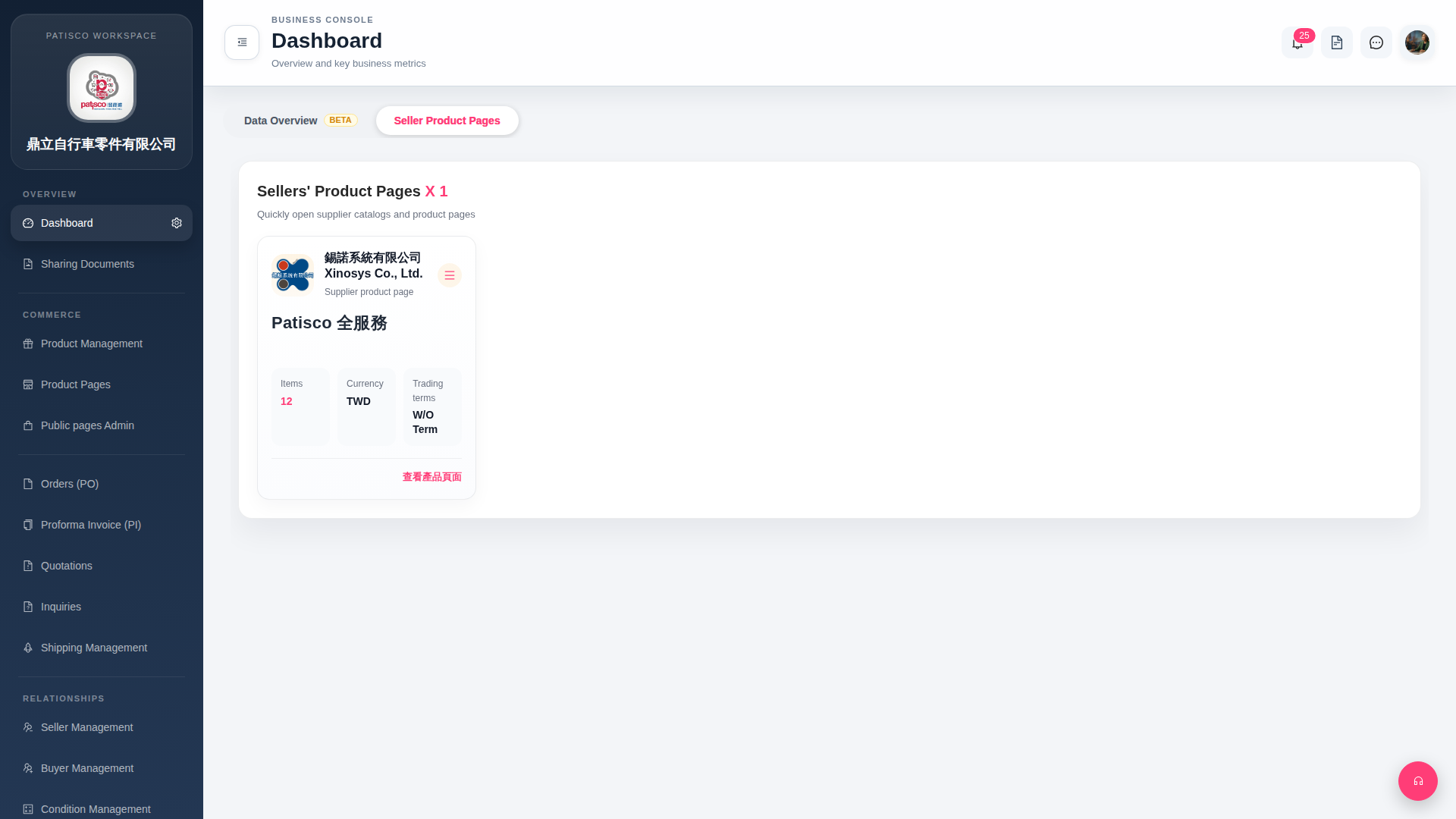
1. After entering Dashboard, the system defaults to the "Seller Product Pages" tab, displaying seller product catalog cards. 2. Each card shows basic information including "Items (quantity of products)", "Currency", and "Trading terms". 3. To view business data overview, click the "Data Overview BETA" tab on the left side of the Tab list at the top of the page to switch.
 G4 桌面版|Dashboard