
1. Open a mobile browser to the discussion area; the page title will display "Discussions". 2. The top of the page has two tabs: "Discussion" on the left is general discussions, and "AI Discussion" on the right is AI discussions; by default it stops on the "Discussion" tab. 3. Each row in the list displays the "Topic" name, "Last Message" preview, and topic icon color. 4. Simply click on any topic row to enter that discussion thread and view messages or send replies.
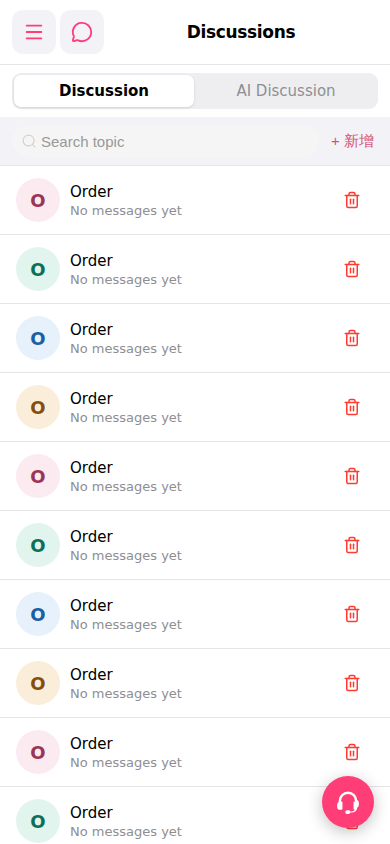 手機版|討論區(Discussions)