
【Add】 1. In the "Discussion" tab, click the "+ New" button to the right of the search bar. 2. Fill in the topic name and related order information as prompted on the screen, and submit to create a new discussion.
【Delete】 1. Find the topic you want to delete in the list and click the red trash icon (Delete) on the right side of that row. 2. After confirming, that discussion topic will be removed.
To switch to AI discussions, click the "AI Discussion" tab at the top right of the page.
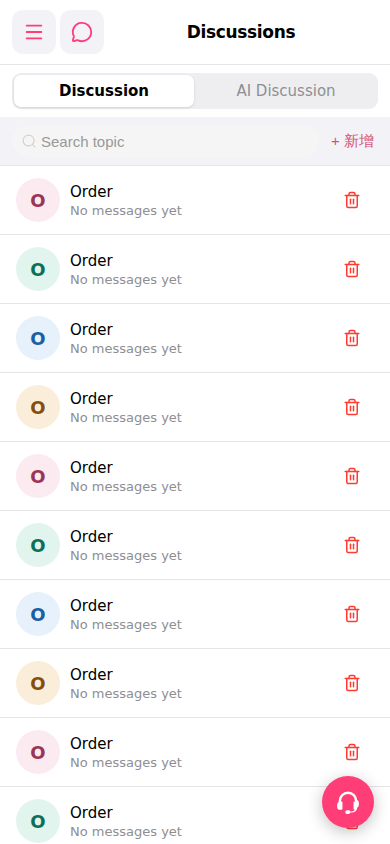 手機版|討論區(Discussions)