1. Open the mobile version and go to the "Shared Files" page. 2. Click the "+ Add Main Folder" button above the folder list at the top of the page. 3. Enter the folder name and save it. The new folder will appear in the list.
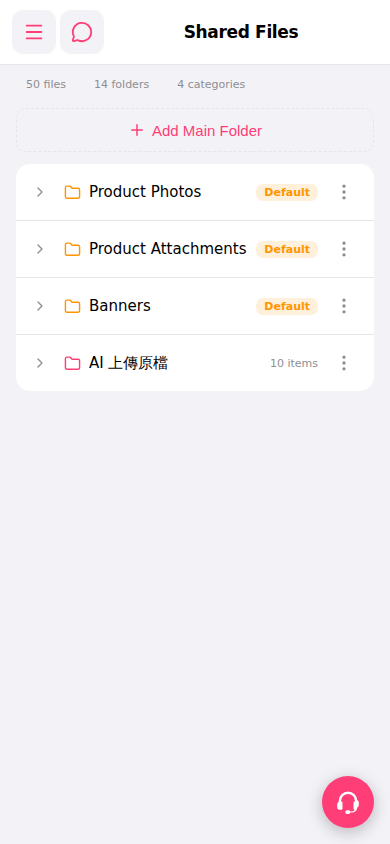 手機版|Shared Files(共享檔案)
1. Open the mobile version and go to the "Shared Files" page. 2. Click the "+ Add Main Folder" button above the folder list at the top of the page. 3. Enter the folder name and save it. The new folder will appear in the list.
手機版|Shared Files(共享檔案)