
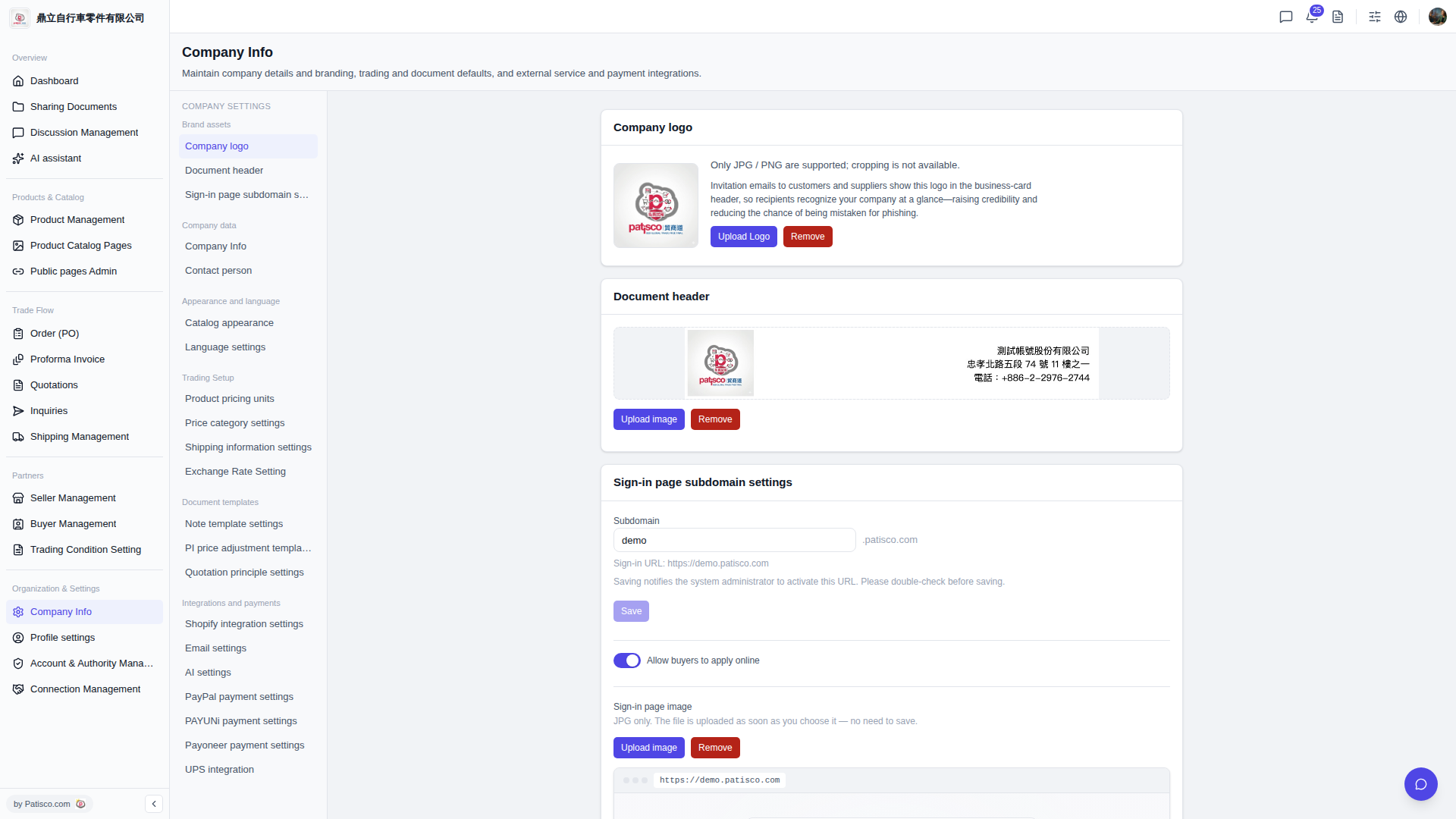
1. After logging into the V5 new desktop version, go to the URL https://v5.patisco.com/company-basic#ups-setting (or find the "UPS Authorization" section from the company basic settings page). 2. Confirm that the current status shows "Not linked". 3. Click the link button (or relevant operation options for "can be linked"), and follow the on-screen instructions to complete the UPS authorization binding.
You can ask the AI assistant like this: "The UPS authorization shows 'Not linked'. How do I link it?" The AI will respond like this: "Please go to the UPS Authorization section in the company basic settings, click the link button, and follow the on-screen steps to complete the authorization."
 V5 新桌面版|ups.setting