
1. After logging in to V5 desktop, click "Order (PO)" under the "Trade Flow" section in the left sidebar. 2. The screen will enter the "Order (PO) Purchase Order Management" list page. 3. At the top, there are two tabs you can switch between: click "Sent (PO)" to view orders you sent, or click "Received (PO)" to view orders you received.
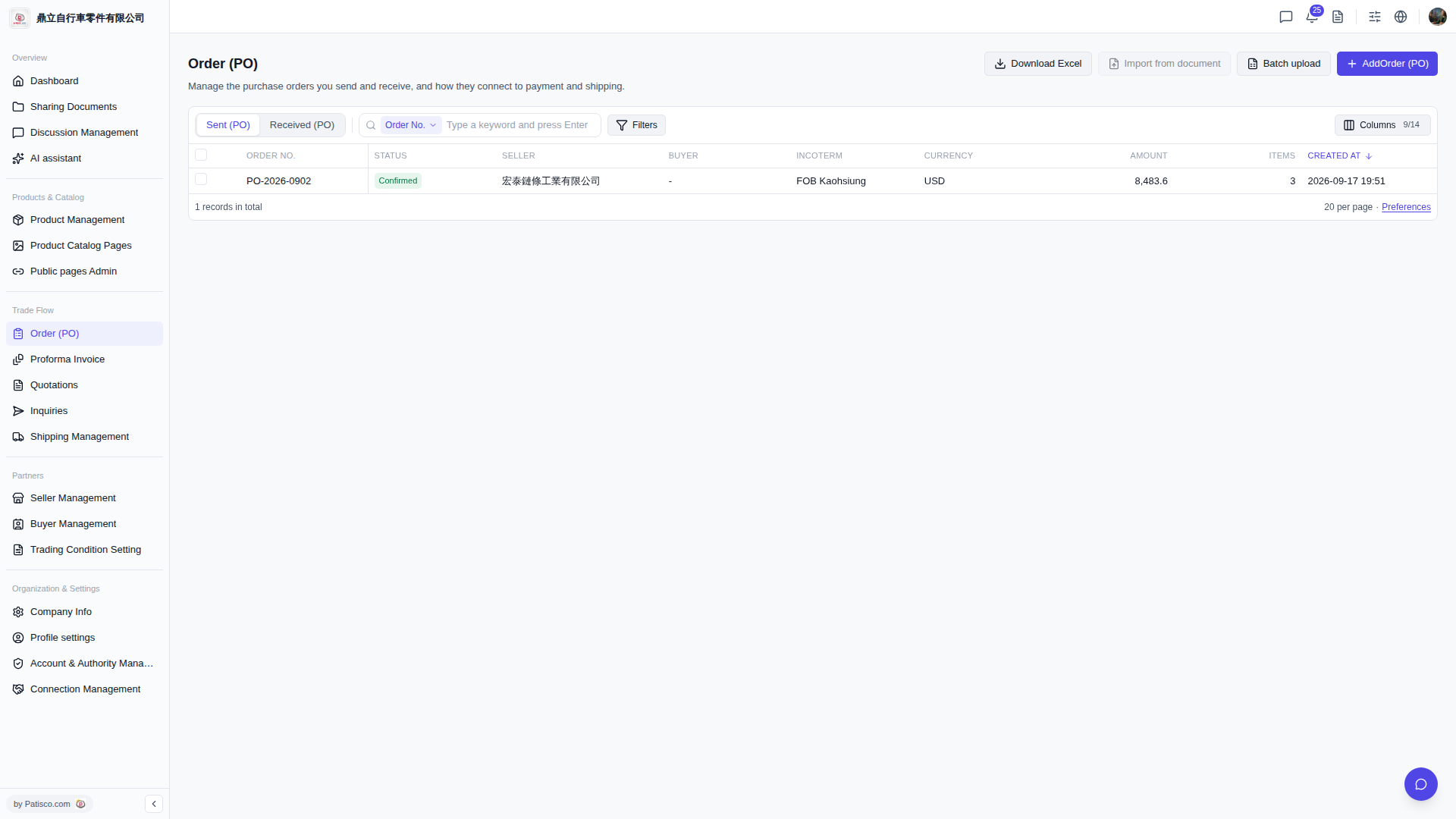 V5 新桌面版|Order (PO) 採購訂單管理