
1. In the search bar at the top of the list, click the dropdown menu on the left to select a search criterion (e.g., Order No.), enter a keyword, and press Enter to search. 2. To set multiple filter conditions, click the "Filters" button on the right side of the search bar and apply conditions in the panel. 3. To customize which columns are displayed in the list, click the "Columns 9/14" button in the top right of the list to select which fields to show. 4. To adjust preferences such as how many records display per page, click the "Preferences" button in the bottom right of the list.
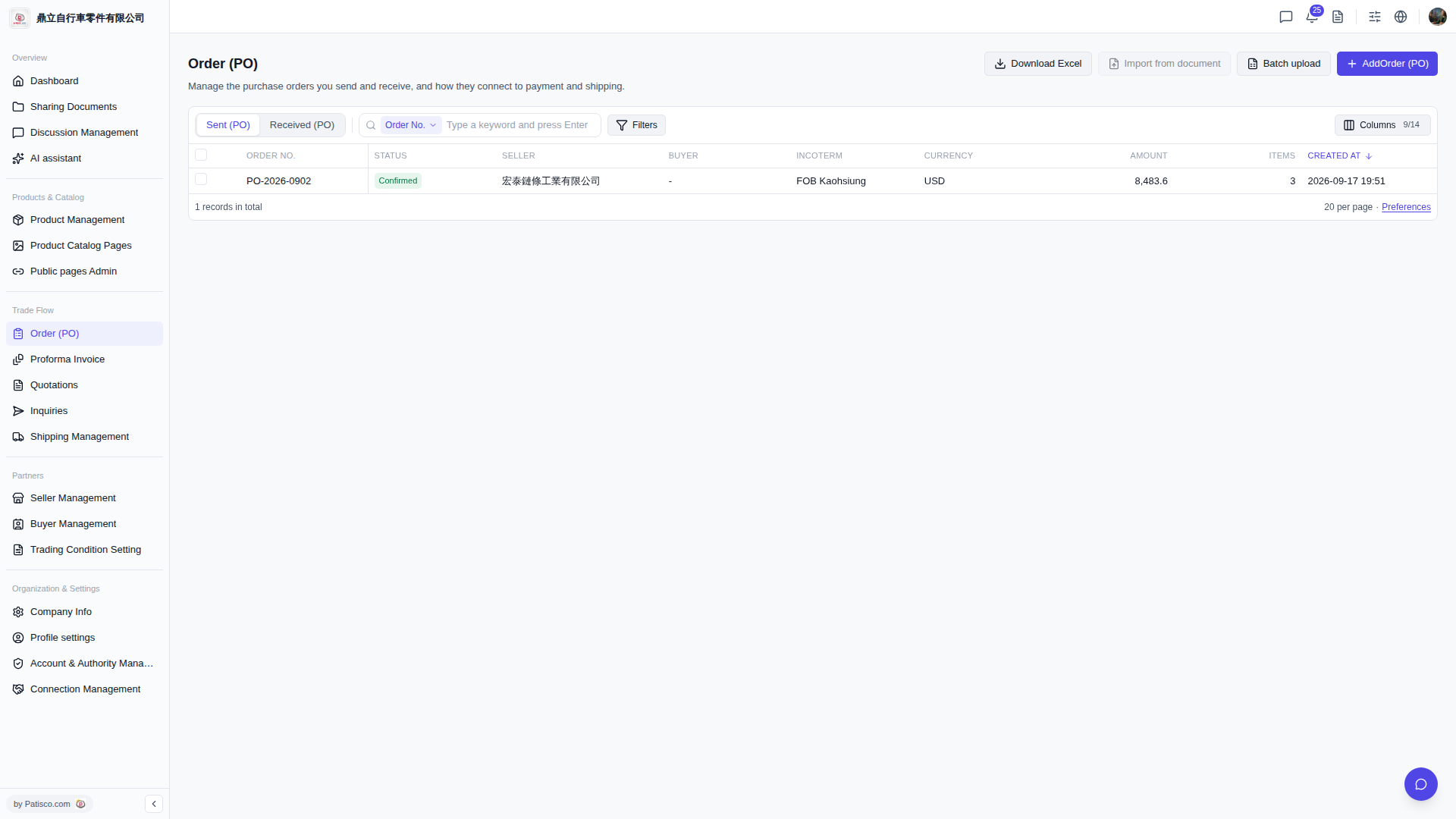 V5 新桌面版|Order (PO) 採購訂單管理