
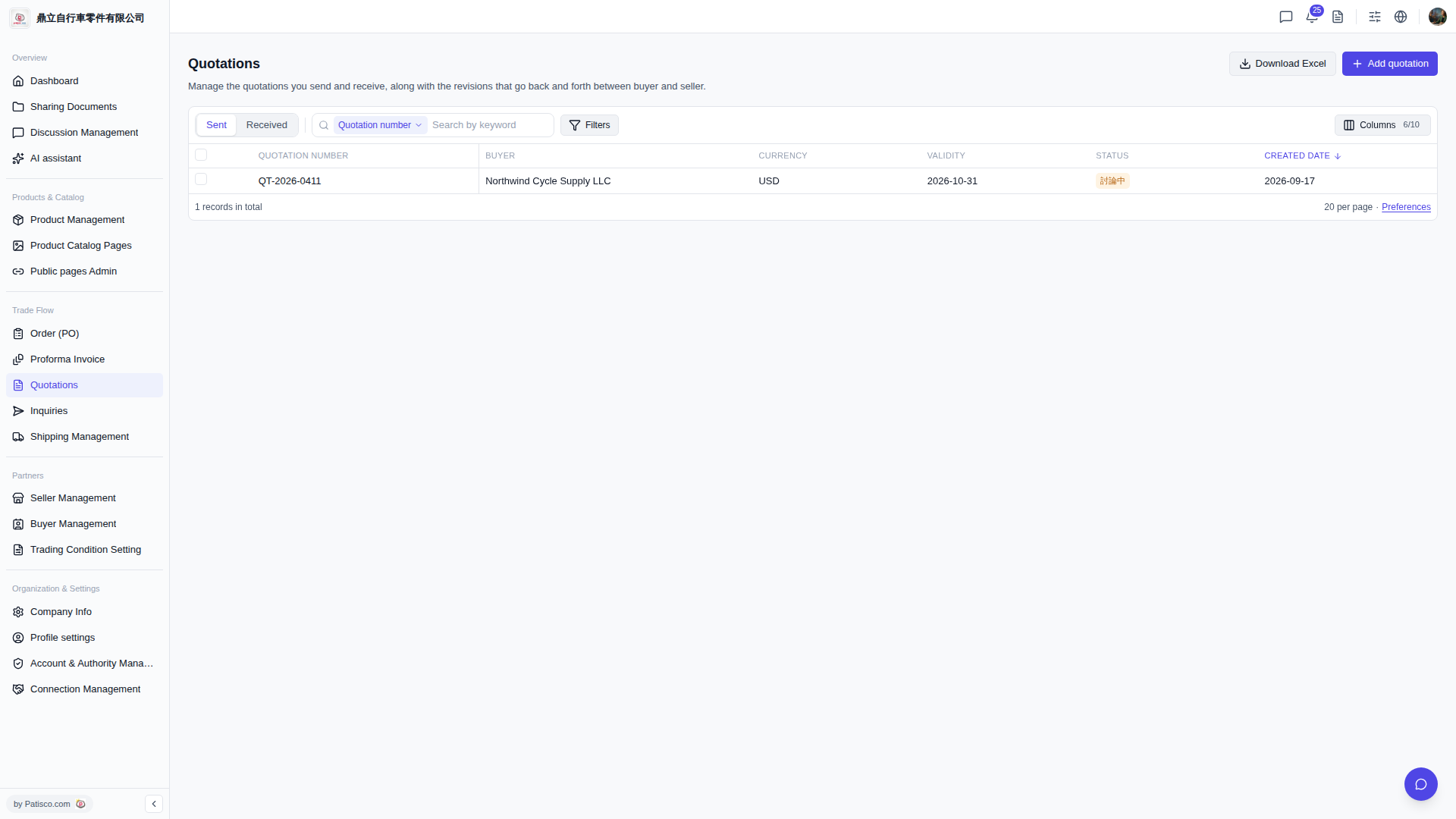
1. In the top right corner of the "Quotations" page, click the "Columns 6/10" button (the numbers indicate that 6 out of 10 columns are currently displayed). 2. In the dropdown menu that appears, check the columns you want to display or uncheck columns you don't need. 3. Common columns include Quotation Number, Buyer, Currency, Validity, Status, Created Date, etc. Adjust as needed. 4. To adjust how many quotations display per page, click "Preferences" in the bottom right.
 V5 新桌面版|Quotations(報價單管理)