
1. In a topic, press and hold the message you want to link to a project. 2. Tap Link to Project in the menu to open the project selection panel. 3. The panel displays project information under Use Previous, Suggested, and Other In Progress. The available record only covers opening the panel; the subsequent steps for selecting a project and completing the link have not been confirmed.
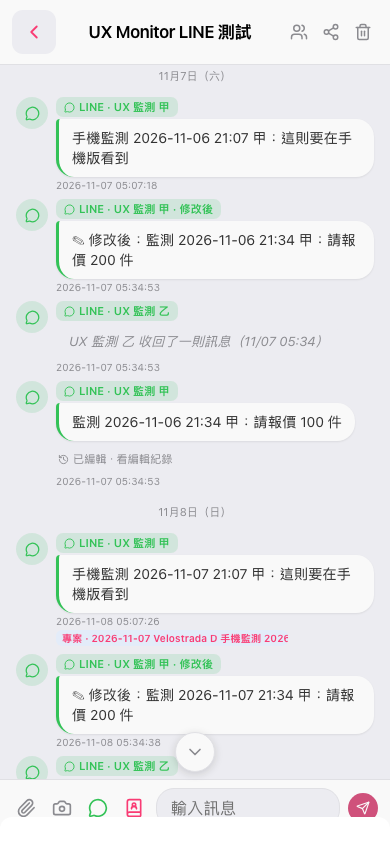 手機版|UX Monitor LINE 測試