
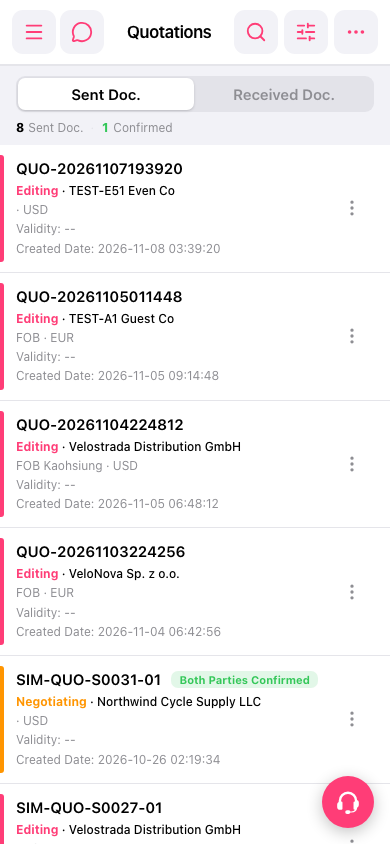
1. At the top of the "Quotation" page, select "Sent Doc." to view sent quotations, or select "Received Doc." to view received quotations. 2. Browse the list, or tap the "Search icon" or "Filter icon" at the top right to find the target quotation. 3. Check the quotation number, company name, and status, then tap the quotation to view its contents.
 手機版|報價單(Quotations)