
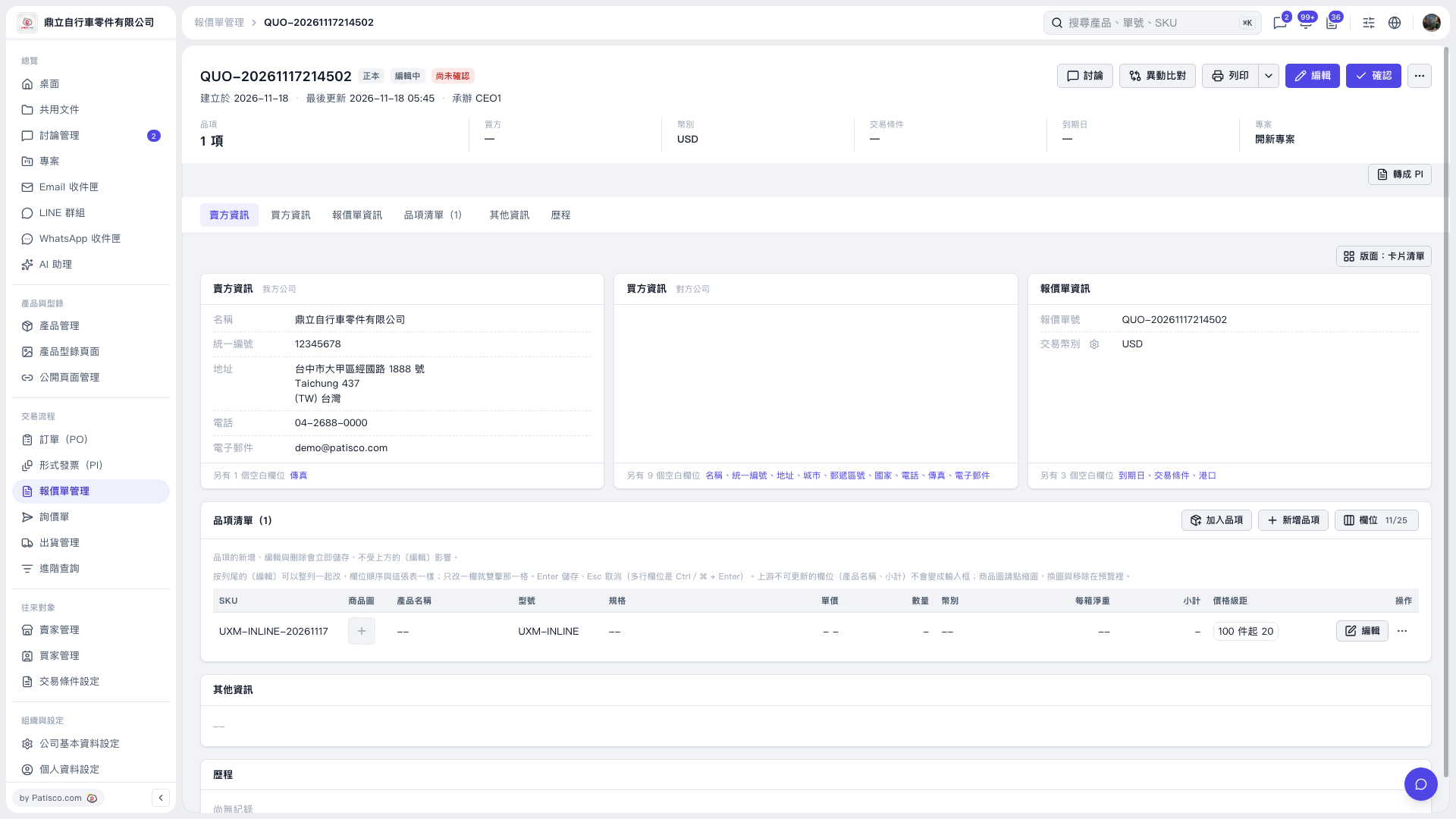
1. In the Quotation's "Item list", find the item you want to change and click "Edit" on the right side of that row. 2. Clear the contents of "Quantity" or "Net weight per carton" and press Enter to save. To cancel the change, press Esc. 3. Item edits are saved immediately. In this test, the cleared values for these two fields were submitted.
 V5 新桌面版|QUO–20261117214502