
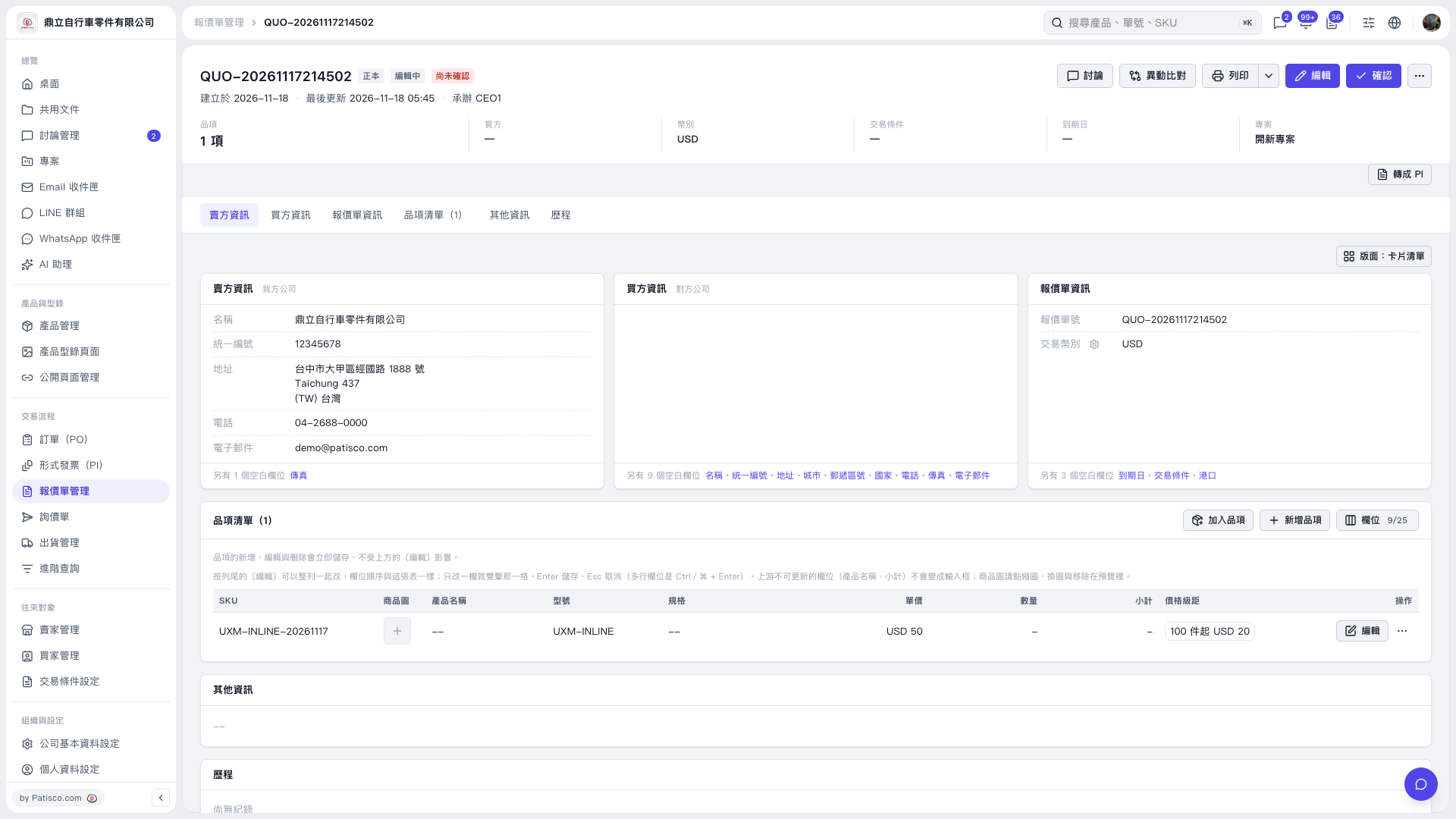
1. Yes. The item's "Unit price" currently shows "USD 50" and the "Quantity" has not been entered, so the "Subtotal" shows "–". 2. To add the quantity, click the item's "Quantity" cell in the item list, enter a value and press Enter to save. To cancel this change, press Esc. 3. If you also need to change other item data, click "Edit" on the right side of that row.
 V5 新桌面版|QUO–20261117214502