
1. Click "Quotation Management" in the left sidebar to enter the quotation list page. 2. Above the list there are two tabs: click "Sent" to switch to viewing quotations sent by your company, and click "Received" to switch to viewing quotations received by your company. 3. To search for a specific quotation, select a search condition in the search field (e.g., quotation number), enter a keyword, and press Enter. 4. To filter further, click the "Filter" button on the right side of the search field, set conditions such as status and date range, and apply them.
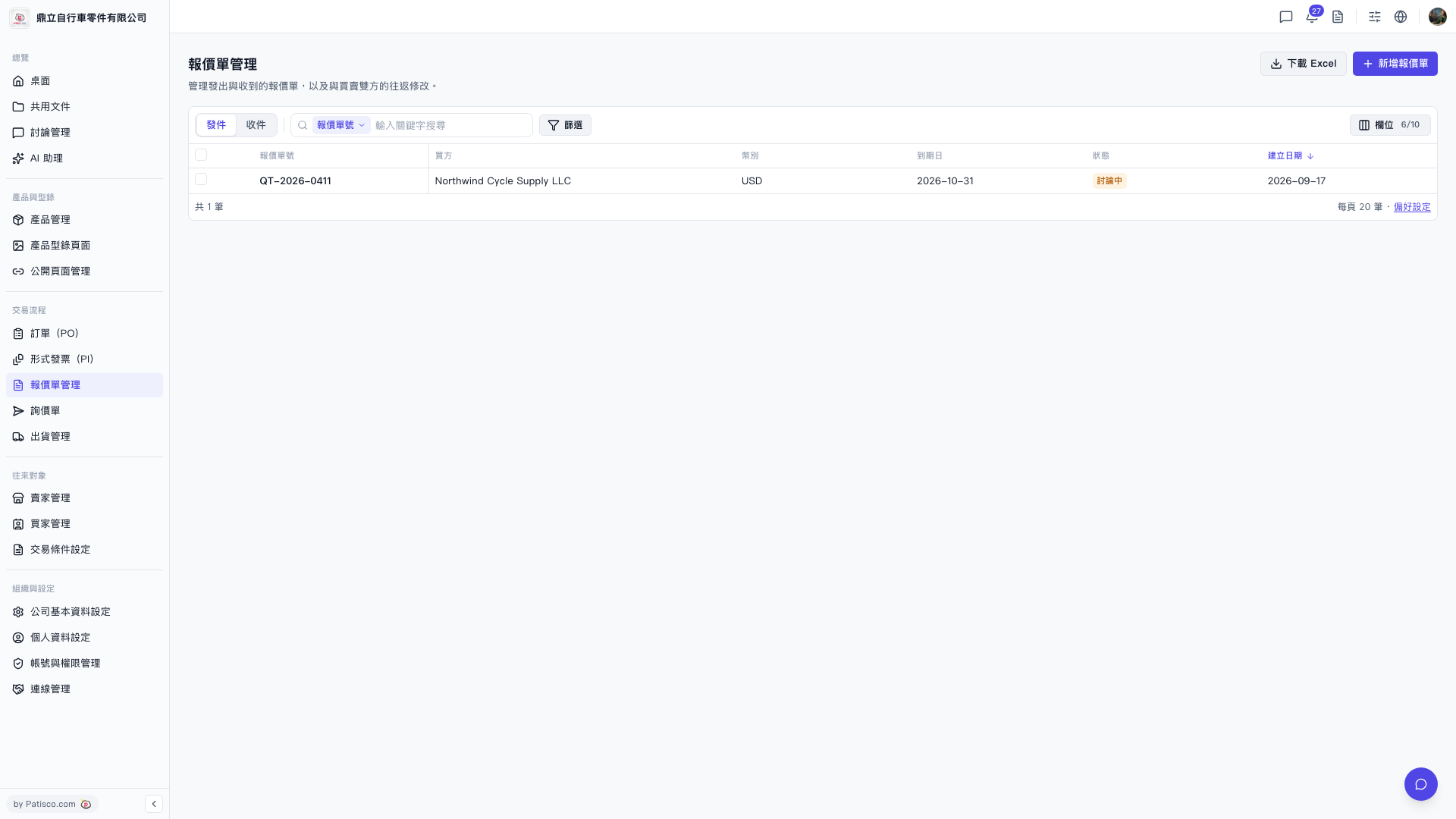 V5 新桌面版|報價單管理