
1. Find the “PREFERENCES” section on the “My Profile” page. 2. Tap “Language” to open the language settings, or tap “Number Format” to open the number format settings. 3. Follow the instructions on the screen that opens to adjust the settings. The screens currently provided do not show the available options or save button.
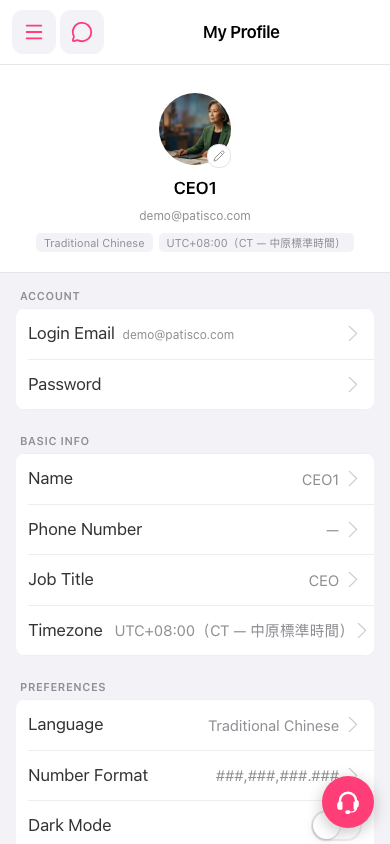 手機版|My Profile