
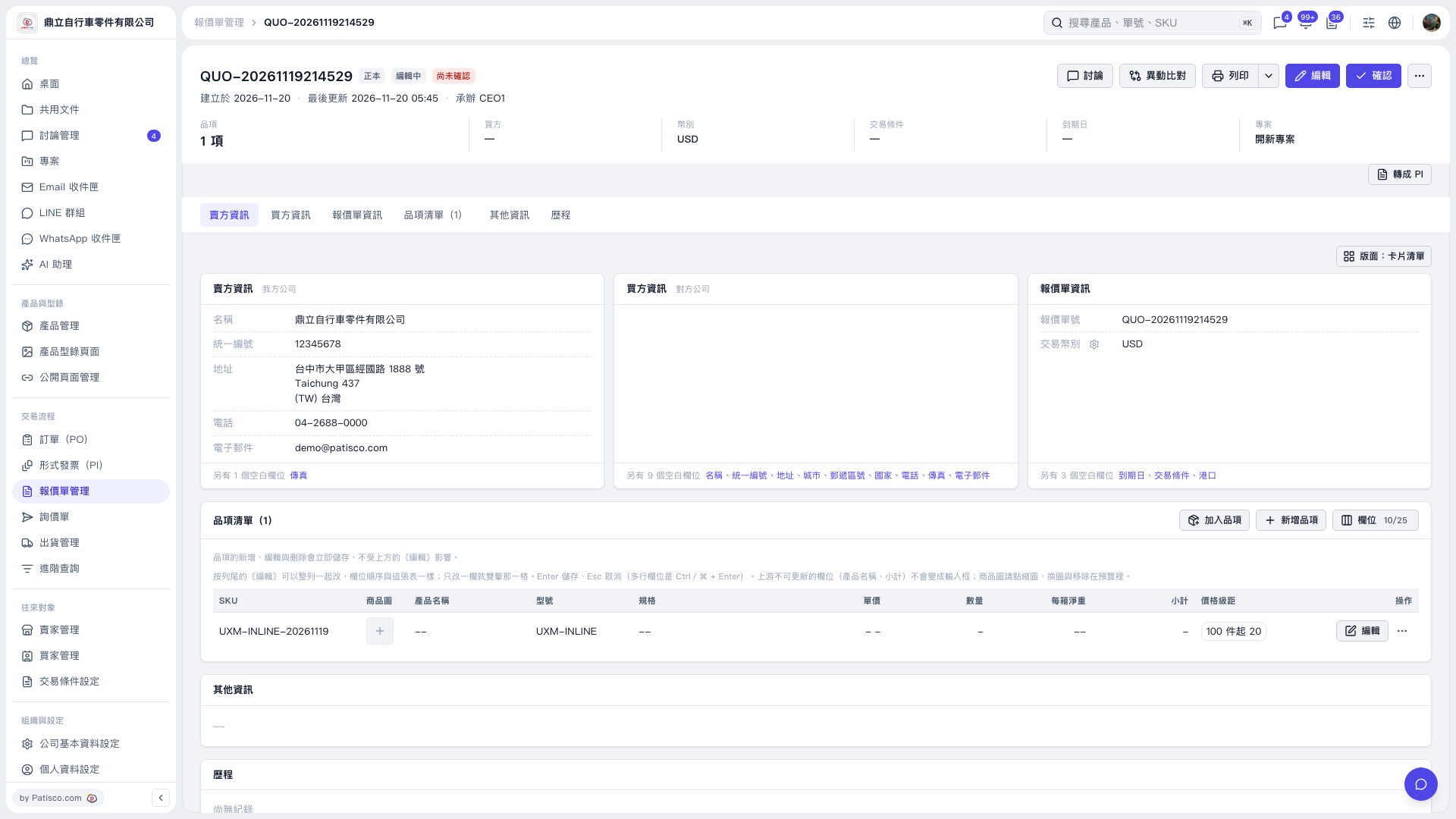
1. Find the item you want to edit in the quotation's item list, then double-click the "Unit Price," "Quantity," or "Net Weight per Carton" field to edit it. 2. Delete the content in the field and press Enter to save. Press Esc to cancel if you do not want to make the change. To clear multiple fields, repeat this for each field. 3. The changes take effect immediately after saving. These fields remain blank after you reload the page, and the existing "Price Breaks" are retained.
 V5 新桌面版|QUO-20261119214529