
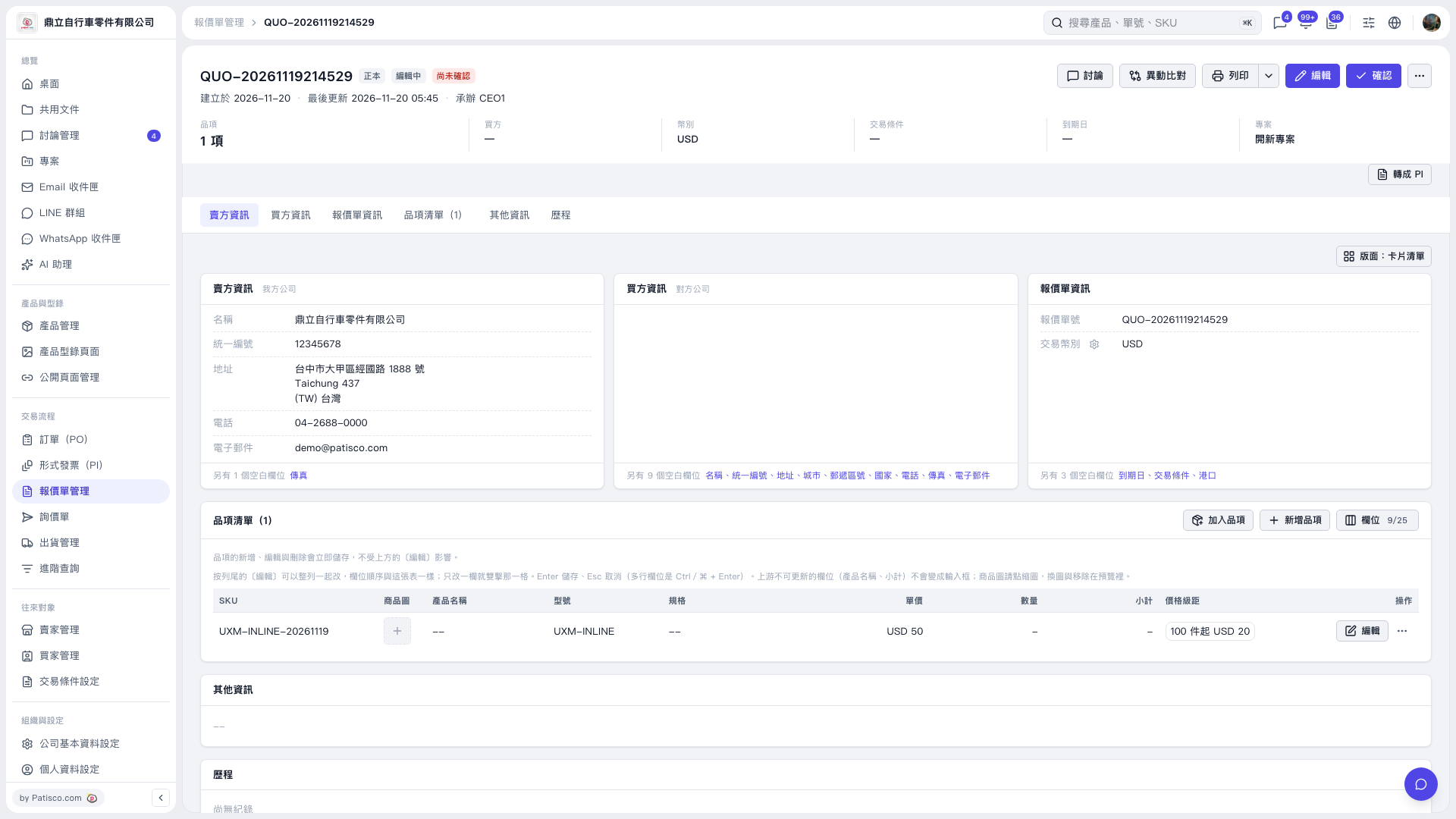
1. In the quotation's "Item List," click "Edit" on the right side of the item, then double-click the "Unit Price" field. 2. Enter the unit price and press Enter to save. You can leave the quantity blank for now. For example, entering 50 as the unit price displays "USD 50." When no quantity is entered, the "Subtotal" displays "–." 3. To add the quantity later, double-click the "Quantity" field, enter the quantity, and press Enter to save. Press Esc to cancel the current change.
 V5 新桌面版|QUO–20261119214529