
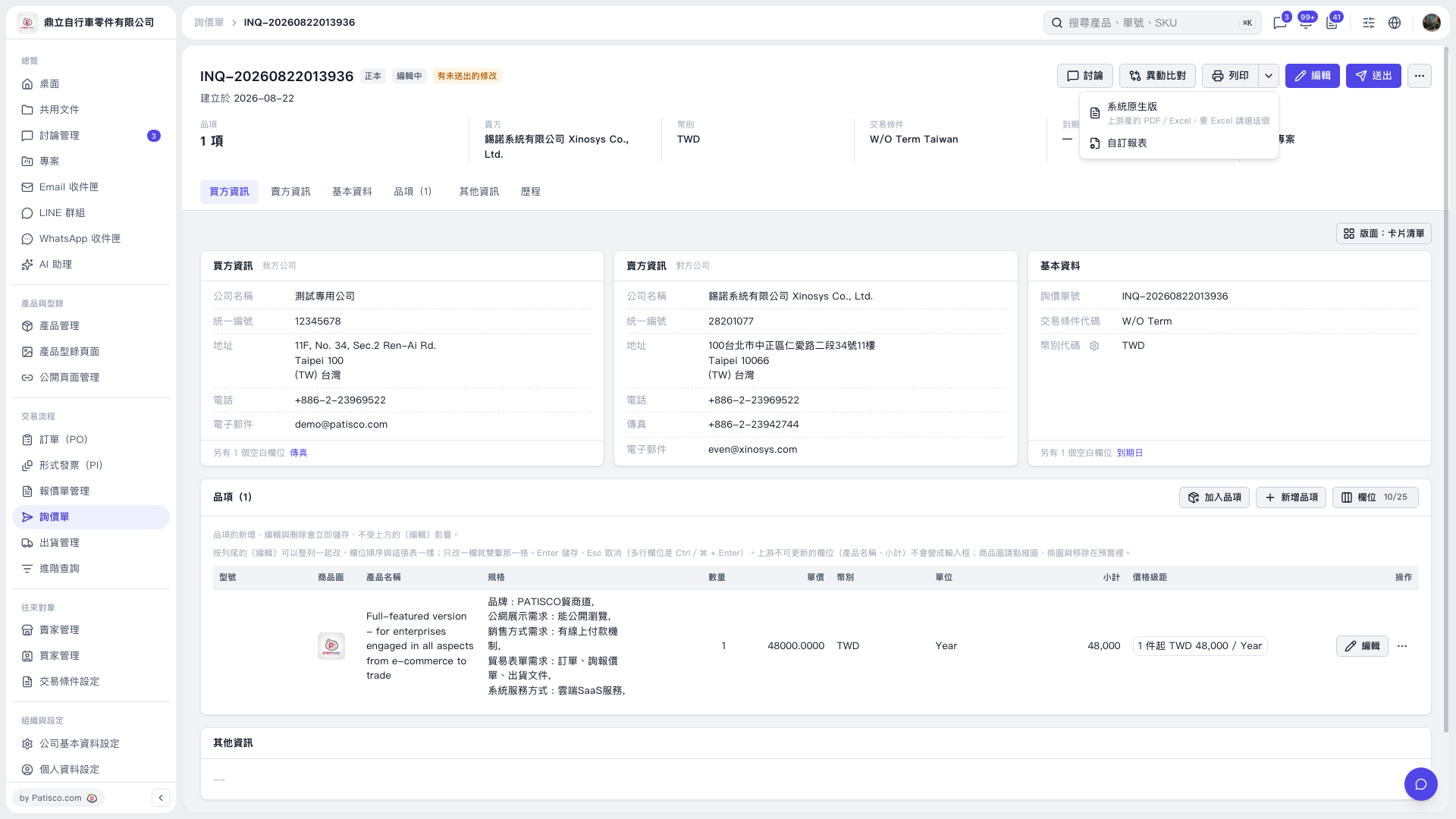
1. Open the inquiry you want to output and check the buyer and seller information and line item details. 2. Click the dropdown arrow next to “Print” in the upper-right corner to expand the menu. 3. For a PDF or Excel file in the system's default format, select “System Default.” For a custom format, select “Custom Report.” 4. Use the options provided on the following screens to complete the output or printing.
 V5 新桌面版|INQ–20260822013936