
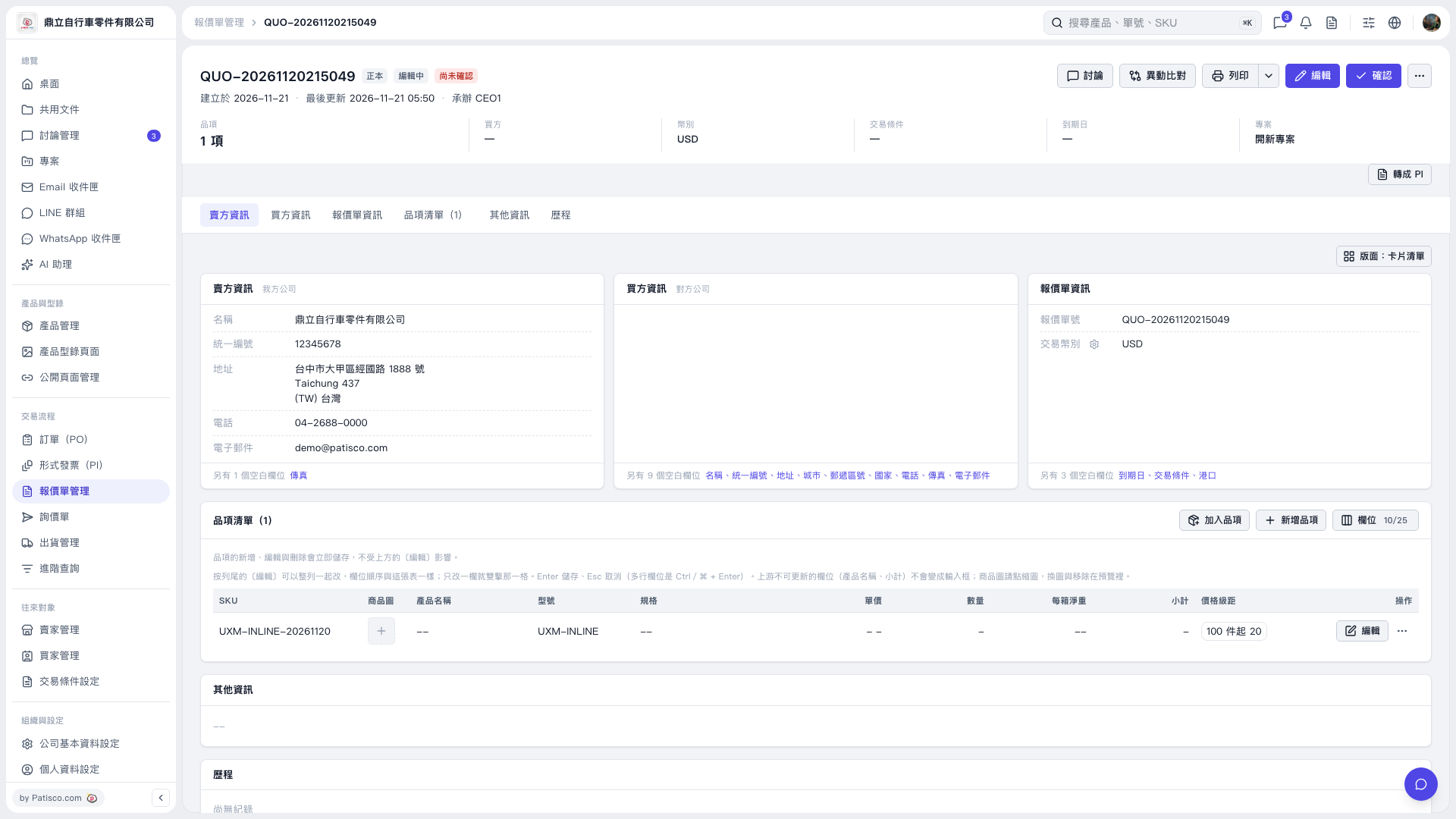
1. Find the item you want to edit in the item list and click Edit on the right side of that row. 2. Delete the content of the field you want to clear, such as Unit Price, Quantity, or Net Weight per Carton. Product Name and Subtotal cannot be edited directly. 3. Press Enter to save. For multiline fields, press Ctrl + Enter (⌘ + Enter on Mac). After saving, the cleared fields will remain blank. To cancel the changes, press Esc.
 V5 新桌面版|QUO–20261120215049