
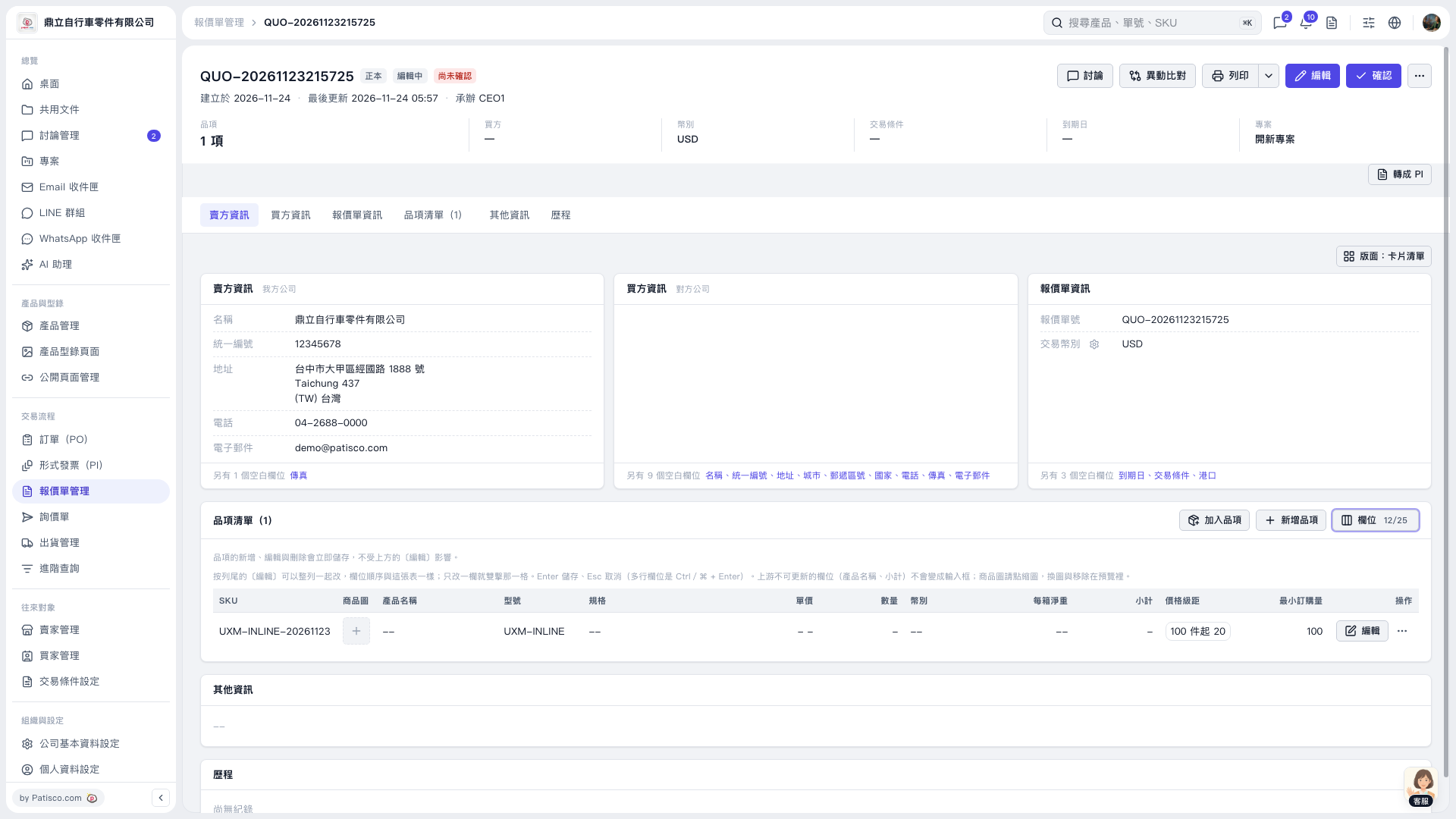
1. At the top right of the "Item list", click "Add item" to add an existing product; to create a new product, click "New item". 2. To edit an existing item, click "Edit" on the right side of that row. 3. Check the buyer, trading currency, items, unit prices, and quantities, then click "Confirm" at the top right of the page when done.
 V5 新桌面版|QUO–20261123215725