
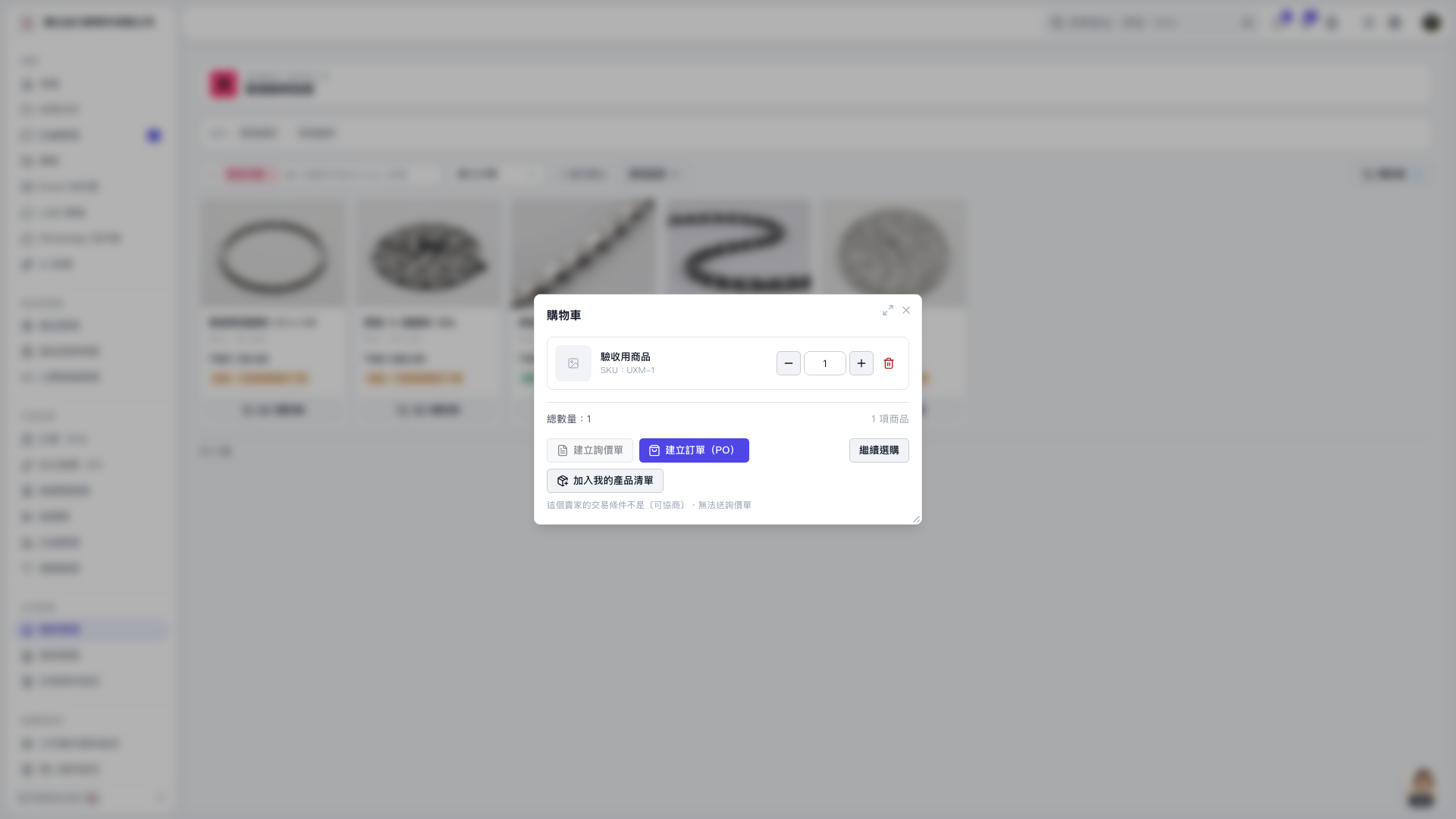
1. In the "Cart", check the product names and SKUs. 2. Change the quantity in the quantity input box, or click [-] or [+] to decrease or increase it. To remove an item you do not need, click the trash icon. 3. After confirming the total quantity and number of items, click [Create PO] to go to the PO creation flow. 4. To add other products, click [Continue shopping] to return to the catalog.
 V5 新桌面版|購物車