
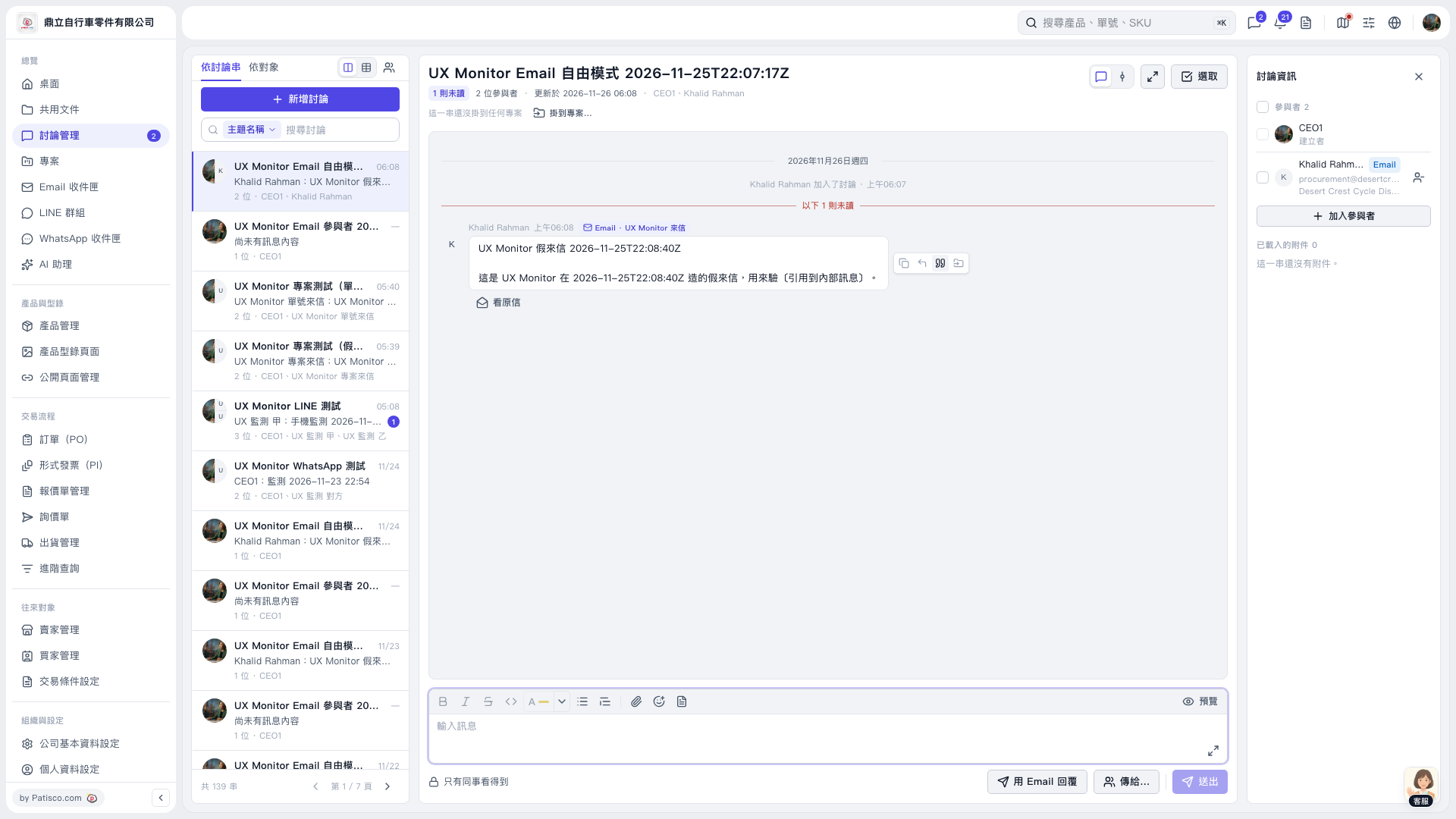
1. Select the email thread you want to work with from the discussion thread list on the left. 2. Find the email you want to quote and click the quotation mark icon in the toolbar on the right side of the message. 3. Check the quoted content in the message editor at the bottom, then add the text you want to discuss with your colleagues. 4. Confirm that “Only visible to colleagues” appears below the editor. You can also click “Preview” to check the content. 5. Click “Send” at the bottom right to send the quoted content and your added text as an internal message.
 V5 新桌面版|UX Monitor Email 自由模式 2026-11-25T22:07:17Z