
1. In the quotation's item list, click a field that supports direct editing and enter your changes. 2. Press Enter to save, or Esc to cancel. For multiline fields, press Ctrl + Enter (⌘ + Enter on Mac) to save. 3. "Product Name" and "Subtotal" do not support direct editing. To edit item details, click "Edit" on the right side of the row.
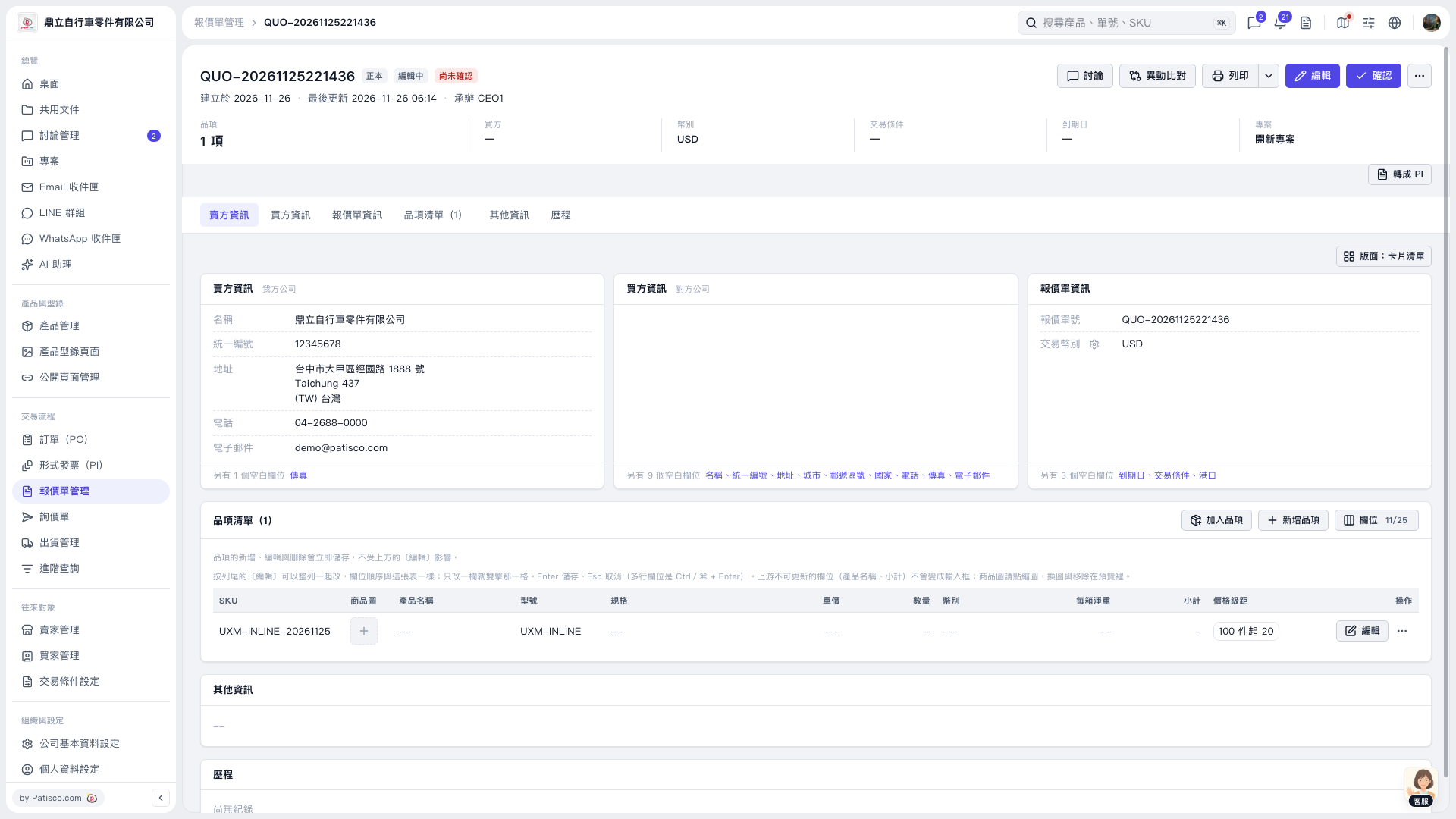 V5 新桌面版|QUO-20261125221436