
1. Open the quotation and switch to "Item List". 2. Click an editable table cell and enter your changes. You can also click "Edit" on the right side of an item row to edit that item. 3. When editing a cell directly, press Enter to save or Esc to cancel. For multiline fields, press Ctrl/⌘ + Enter to save. Item additions, edits, and deletions are saved immediately.
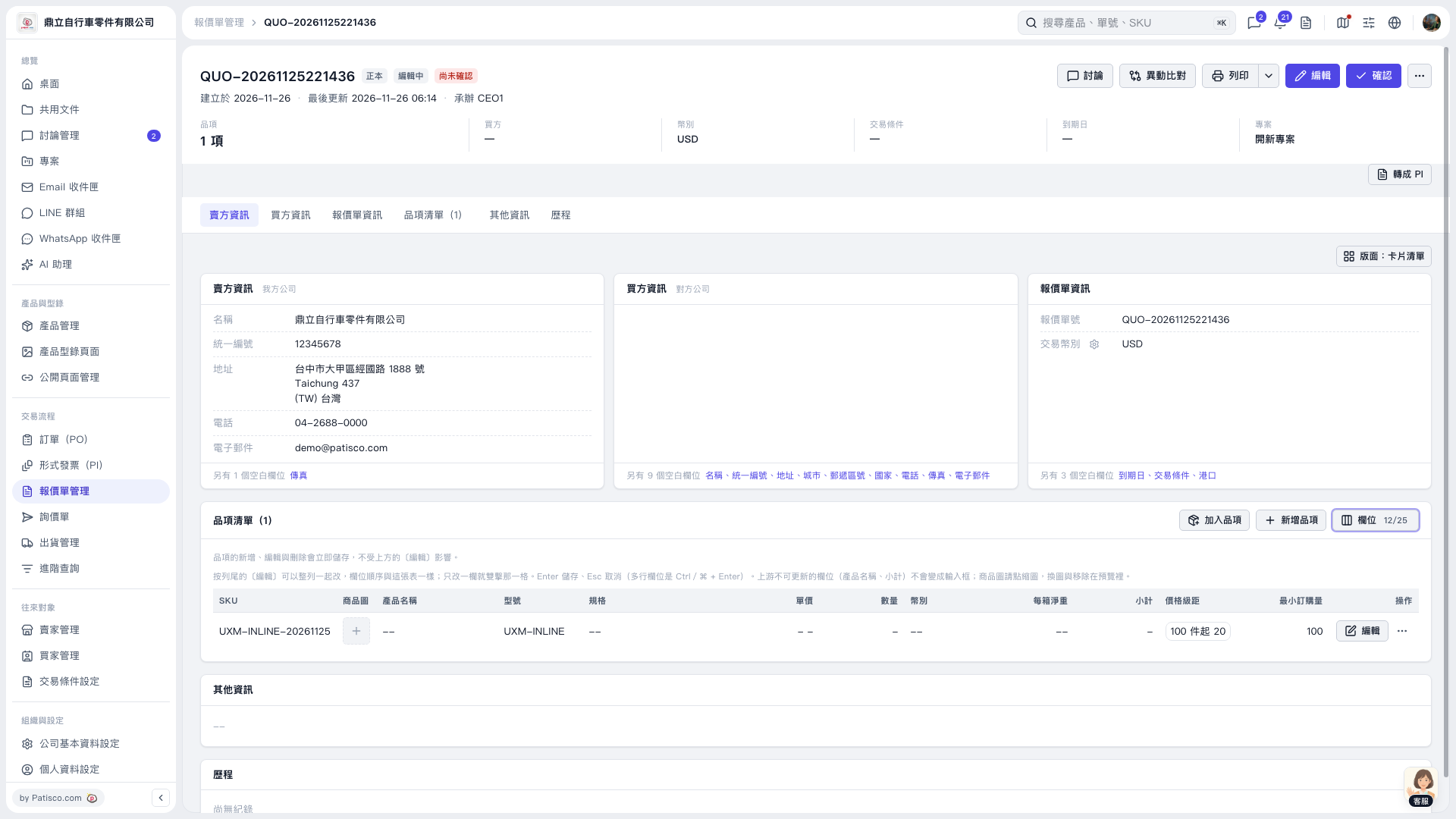 V5 新桌面版|報價單 QUO-20261125221436