
1. 開啟目標討論串(網址列會帶 thread 參數)。 2. 在討論串畫面找到該 Email 參與者(例如 info@enve.com)旁邊的【移出討論】按鈕,點擊它。 3. 系統會將該 Email 從討論的參與者清單中移除,畫面即時更新。
可以這樣問 AI 助理:「怎麼把 info@enve.com 從這個討論移掉?」 AI 會怎麼回:「請在討論串畫面找到該參與者旁的【移出討論】,點擊後即可將其從 Email 參與者清單移除。」
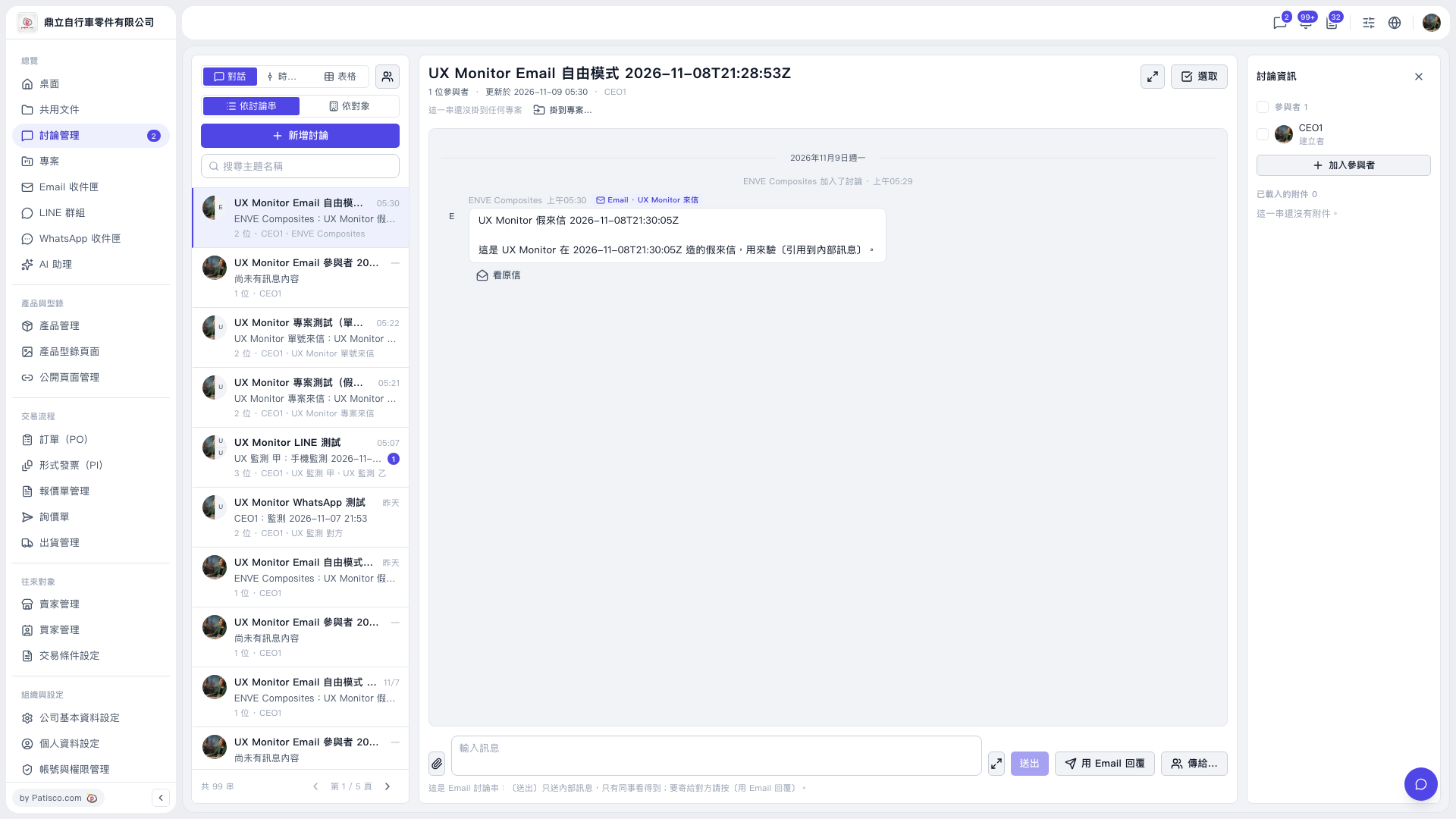 V5 新桌面版|email-free-mode.restore