
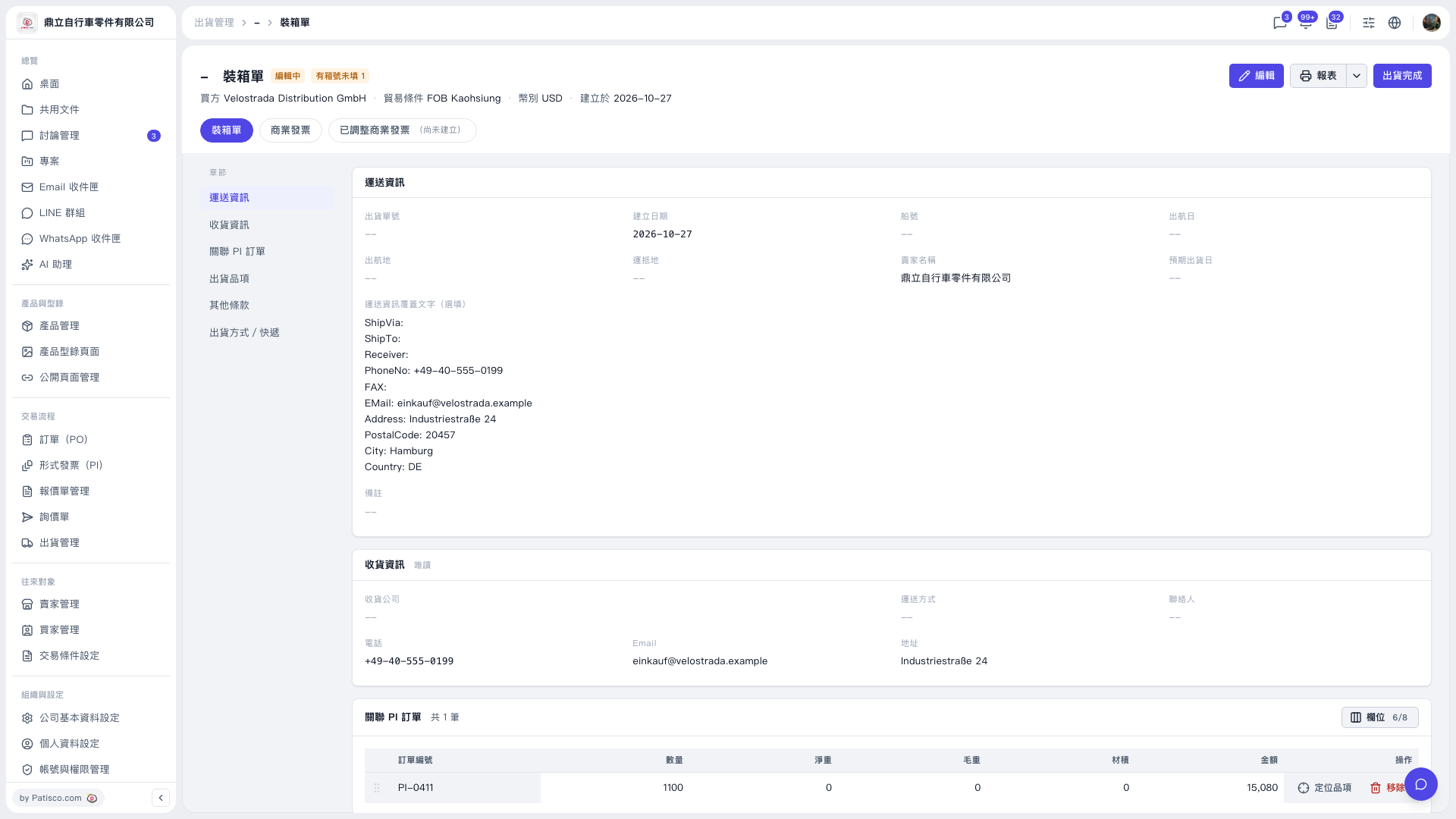
When “Print tariff code” is selected, the tariff information is printed on the first line of the item name (product description) field in the format “Code Description.” This is the same in both PDF and Excel; it is not printed in a separate column. Both packing lists and commercial invoices have this checkbox under “Reports” (selected by default). In V5, it is labeled “Print tariff code” under “Print,” and the information is printed in the same location. If the checkbox is selected but the information is missing, it is usually because tariff information has not been entered for the shipment items: 1. If a yellow warning appears when you click “Reports,” some items are missing tariff codes. If none of the items have a tariff code, the warning says “Tariff information will not be printed even if the checkbox is selected.” 2. Under “Shipment items,” find the row you want to complete, click “Edit…,” and enter the “Tariff code” and “Tariff description.” If your company has configured an AI key, you can click “AI tariff suggestions,” select one of the candidates, and click “Apply.” 3. Save, then click “Reports” again to regenerate the document. Tariff information is stored only in shipment items. Product master records and PI/PO items do not have these fields, so the information is not automatically populated when you add items to a shipping document.
 V5 新桌面版|裝箱單