
1. If “Data processing is not yet complete” appears, wait for the system to finish matching products. “Next” is disabled during matching, and a count of 0 products available for import does not represent the final result. 2. Once matching is complete, check the counts for categories such as available for import, errors, and existing products. “Next” will then be enabled. 3. Click “Item number already exists” to filter for existing products. There were 8 in this test, all set to “Add photos only” by default. You can review the submitted photo thumbnails for each product.
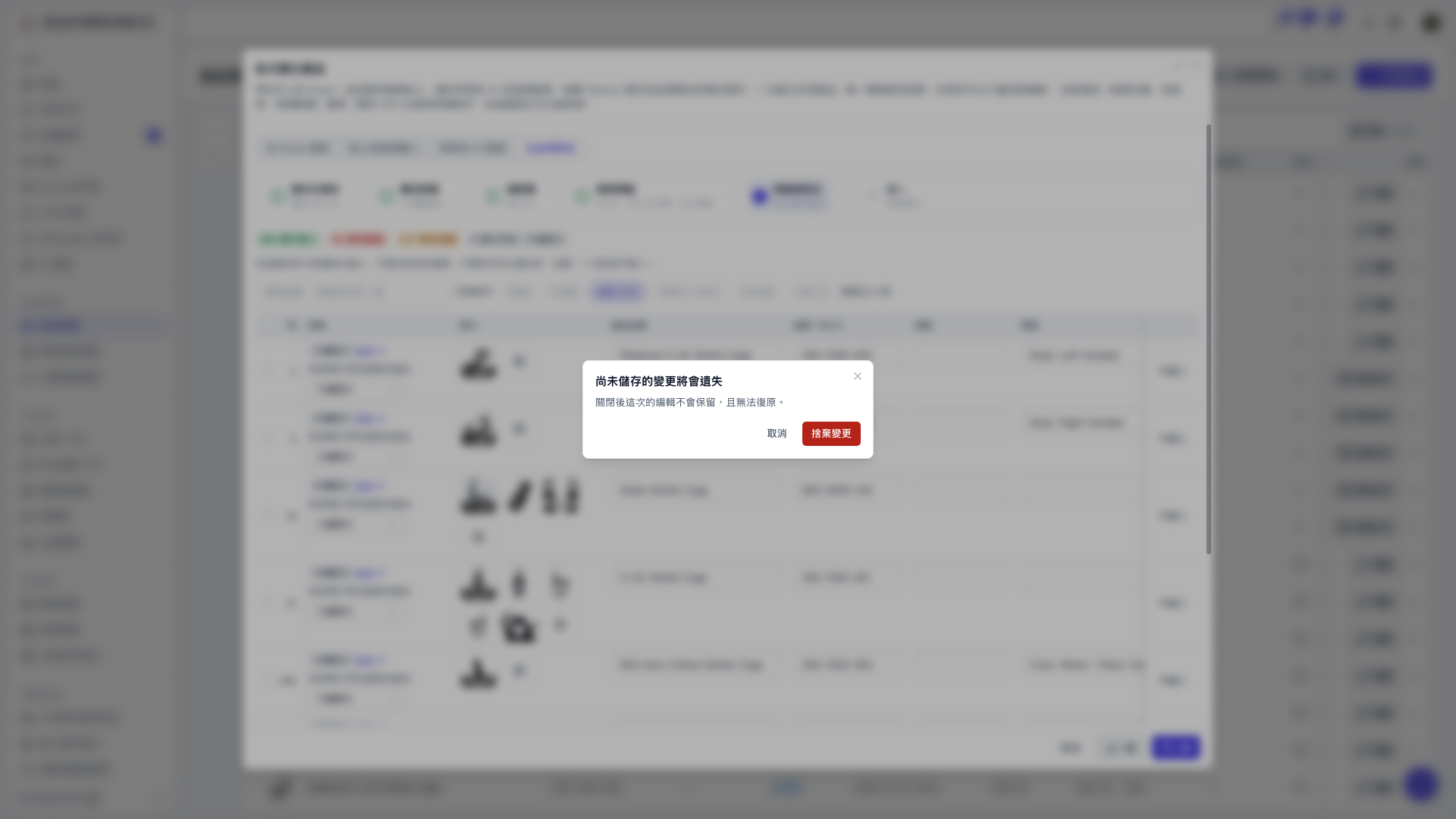 V5 新桌面版|產品頁面(目前顯示「尚未儲存的變更將會遺失」確認視窗)