
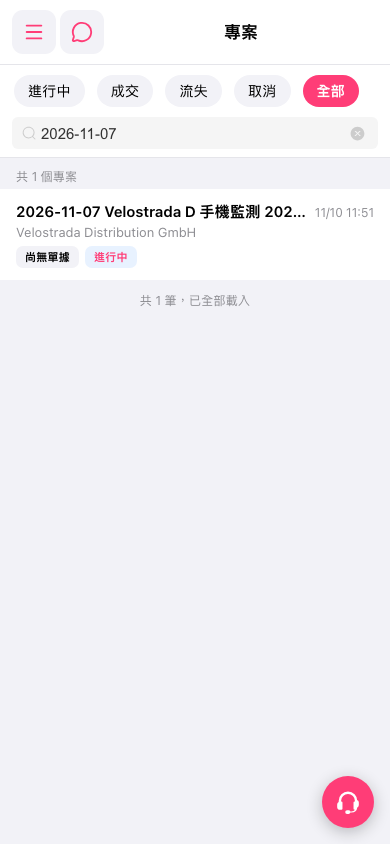
1. On the “Projects” page, tap “In Progress,” “Won,” “Lost,” “Canceled,” or “All” to filter projects by status. 2. Enter a keyword such as “2026-11-07” in the “Search” field to narrow the list. This test found one project named “2026-11-07 Velostrada D.” 3. Check the project name, company name, and status, then tap the project row to view its details. 4. To clear the search, tap the “×” on the right side of the search field.
 手機版|專案