
1. On the "New AI conversation" page, tap the "Ask AI a question..." input field at the bottom. 2. You can ask: "Which is our most recent PO?" 3. Tap Send (the paper airplane icon) at the bottom right and read the AI's response. 4. For example, the AI might respond: "The most recent valid PO (with a status of Editing or Confirmed) is PO-2603-0118. The supplier is 永錩精密鍛造股份有限公司, the creation date is 2026-11-03, and the status is Editing." The actual information depends on the results of that query. 5. To see more information, enter a follow-up question in the input field, such as "What are the items and unit prices on this PO?", then tap Send (the paper airplane icon) again.
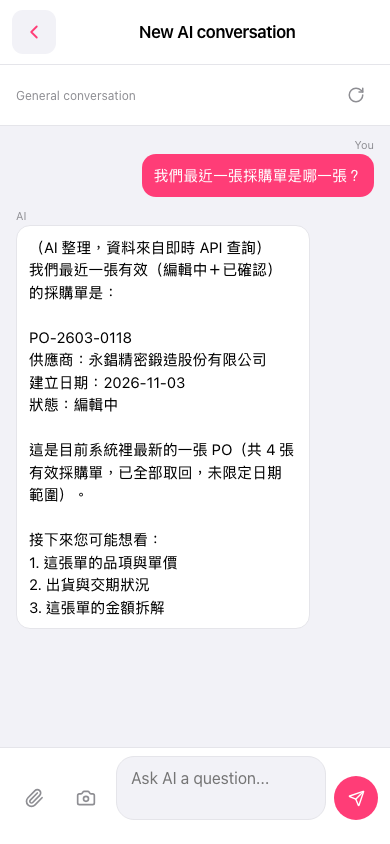 手機版|New AI conversation