
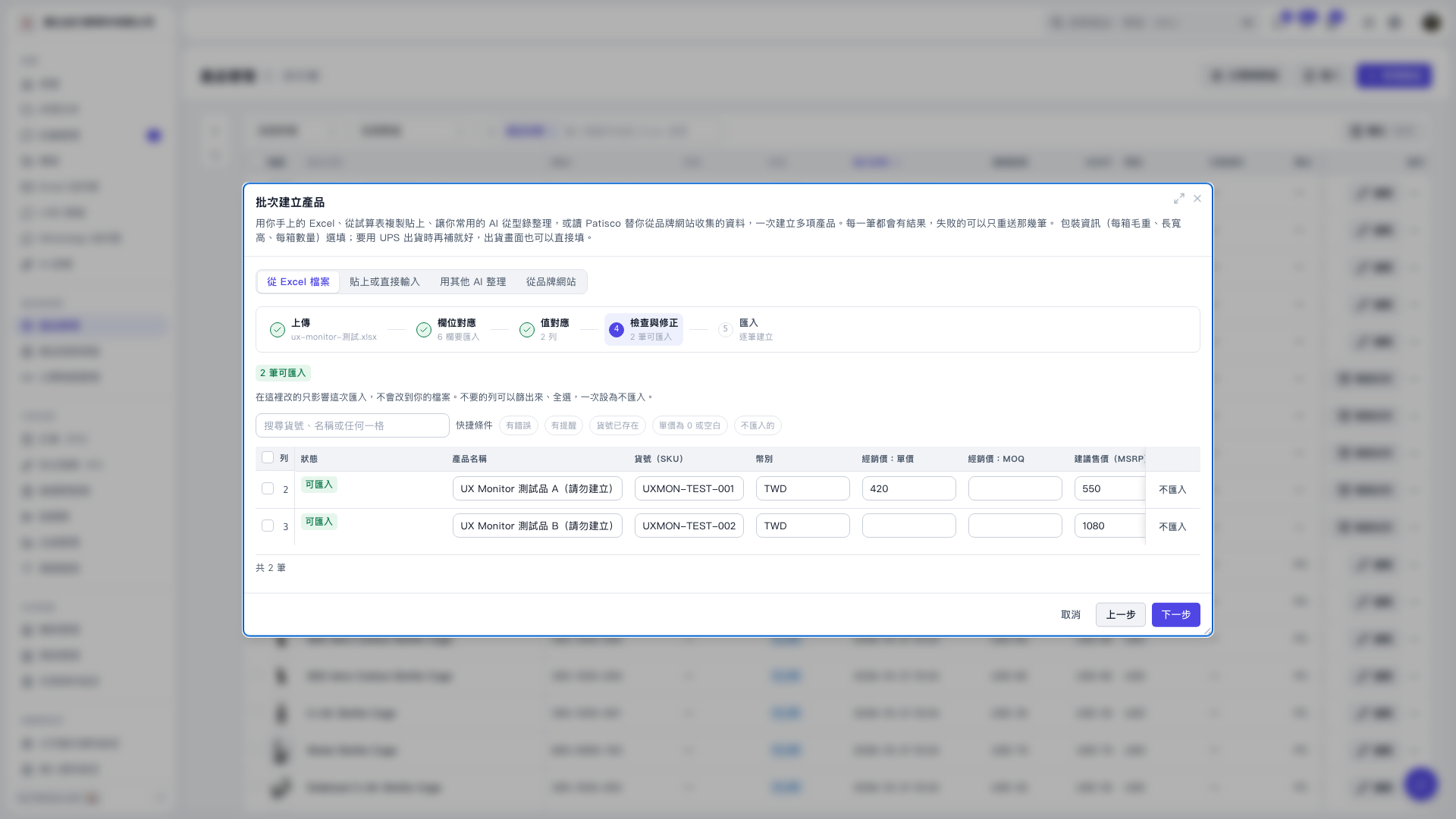
1. In the “Review and correct” step of “Create products in bulk,” check the “Distributor price: MOQ” field. If it shows “Blank,” the default value of 1 will be used when the product is created. 2. If you need a different quantity, enter it directly in the product’s “Distributor price: MOQ” field. Changes here apply only to this import and do not change the original file. 3. After checking the data, click “Next” in the bottom-right corner to proceed to the import step.
 V5 新桌面版|批次建立產品