
The delete button is on the project page, not in the project list: 1. Go to the [Projects] page, use “Search by project name or document number” to find the project, and click [Open] to enter the project page. 2. Click [⋯] (More actions) at the top right of the project page → [Delete project]. 3. The confirmation dialog says, “Only this project will be deleted. Messages and documents will remain unchanged. Are you sure?” Click [Delete project]. 4. The message “Project deleted” appears, and you return to the project list. Discussion thread messages previously linked to this project return to “Not linked to any project.” The documents, messages, and attachments themselves are not deleted.
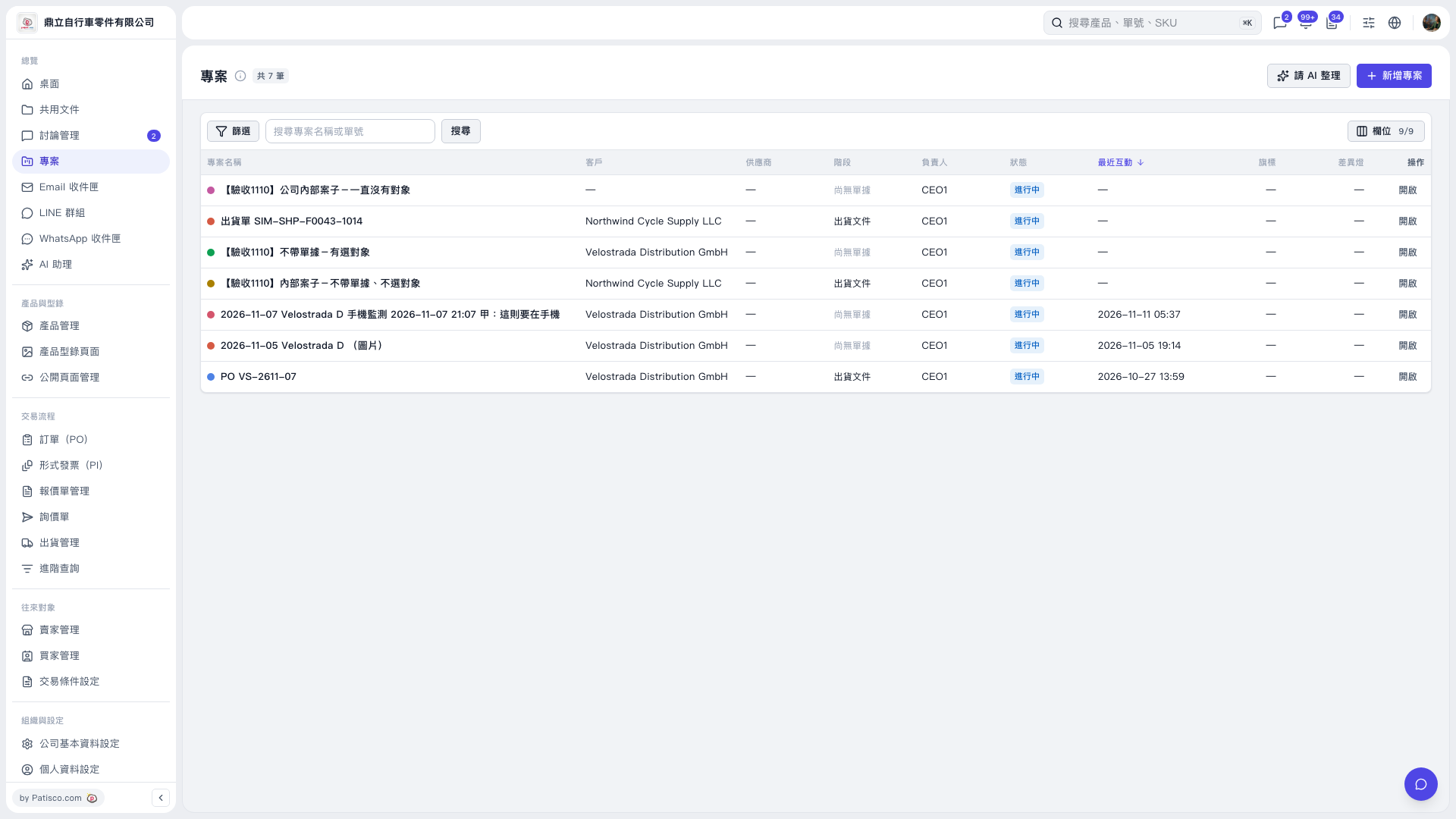 V5 新桌面版|專案