
1. In a topic, find the message you want to link to a project, then press and hold it. 2. Tap "Link to Project" in the menu. 3. In the panel that opens, you can view "Use the Previous Message's Project", suggested projects, and "Other In-Progress Projects". This screen shows 0 suggested projects and 6 rows under "Other In-Progress Projects".
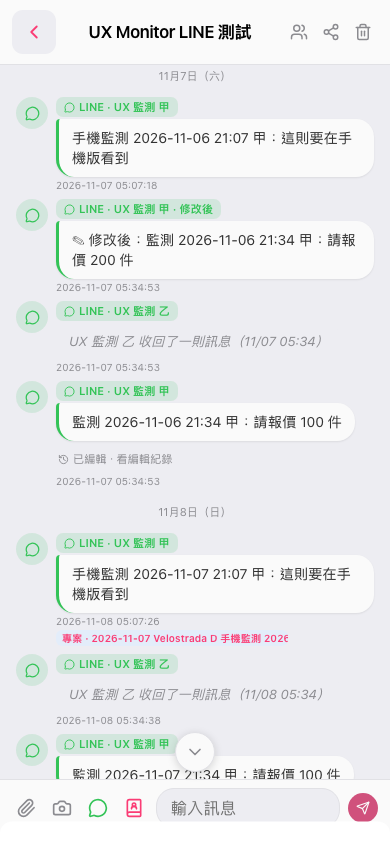 手機版|UX Monitor LINE 測試