
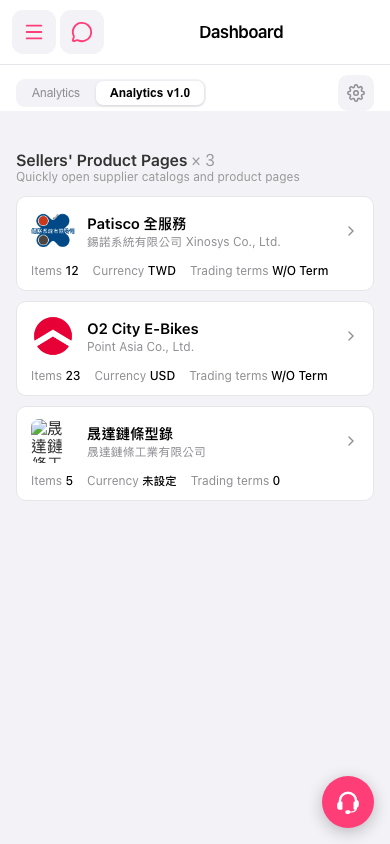
1. View the list of seller product pages in the "Sellers' Product Pages" section of the Dashboard. 2. Find the seller you want by checking the seller's product page name, company name, Items (number of products), Currency, and Trading terms. 3. Tap the seller's card or the arrow on the right to open the corresponding catalog and product page. 4. You can ask: "How many seller catalogs are on the Dashboard?" The AI would respond: "There are 3 seller catalogs on the Dashboard."
 手機版|Dashboard