
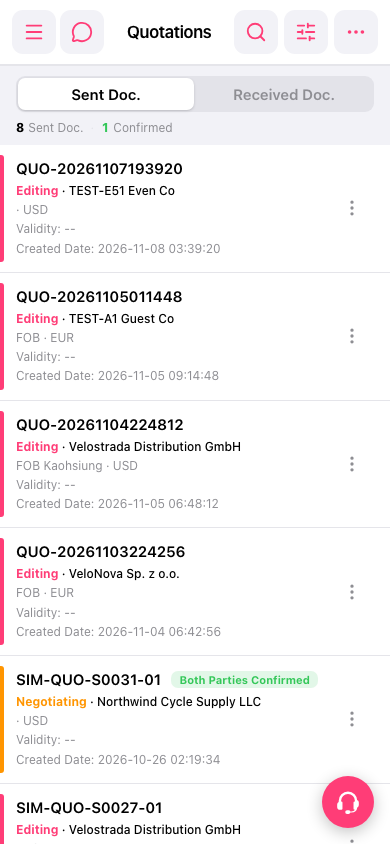
1. On the "Quotations" page, tap "Sent Doc." to view sent quotations, or tap "Received Doc." to view received quotations. 2. Check the quotation number, company name, and status in the list, then tap the quotation card you want to open its details. 3. To view the available actions for that quotation, tap the more actions icon (three vertical dots) on the right side of the card.
 手機版|報價單(Quotations)