
1. On the buyer details page, find the “Contacts (Email / LINE)” section. If it is collapsed, tap the arrow on the right to expand it. 2. Find “Discussion Threads This Contact Has Appeared In” below the contact. 3. Tap a thread title, such as “Project Acceptance · Email from Velostrada”, to open the related discussion. 4. Scroll down to view the remaining discussion threads.
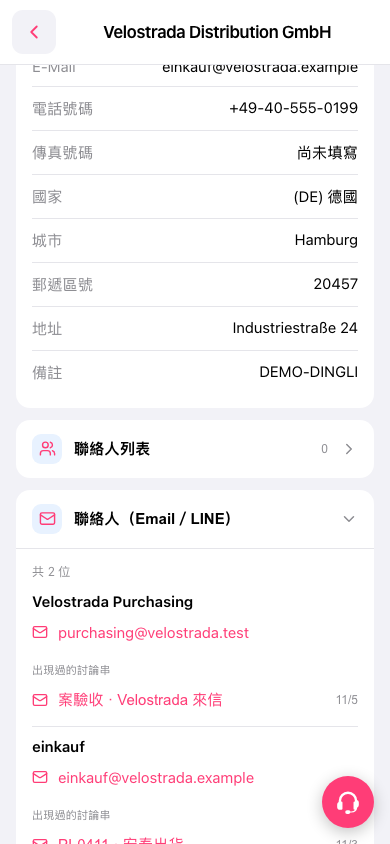 手機版|Velostrada Distribution GmbH