
1. In the “AI assistant” window, tap a shortcut button such as “How do I list a product?” to ask how to perform that action. 2. To enter your own question, tap the “Enter a question…” field at the bottom, enter your question, and tap “Submit”. When the field is empty, the “Submit” button is grayed out. 3. View the assistant’s response in the conversation area in the center. 4. When finished, tap the X in the upper-right corner to close the window.
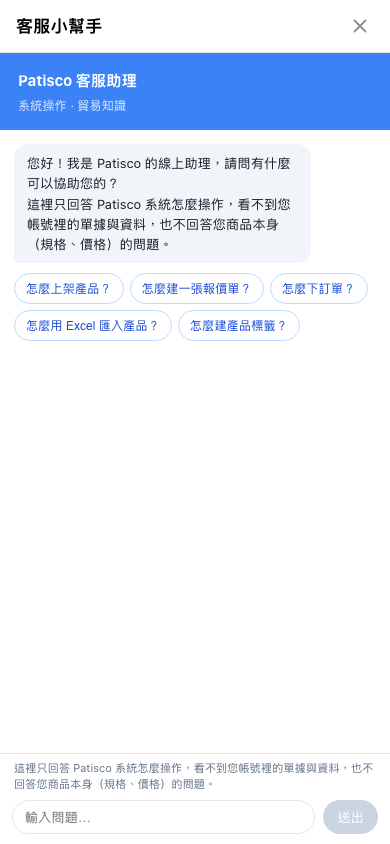 手機版|客服小幫手