
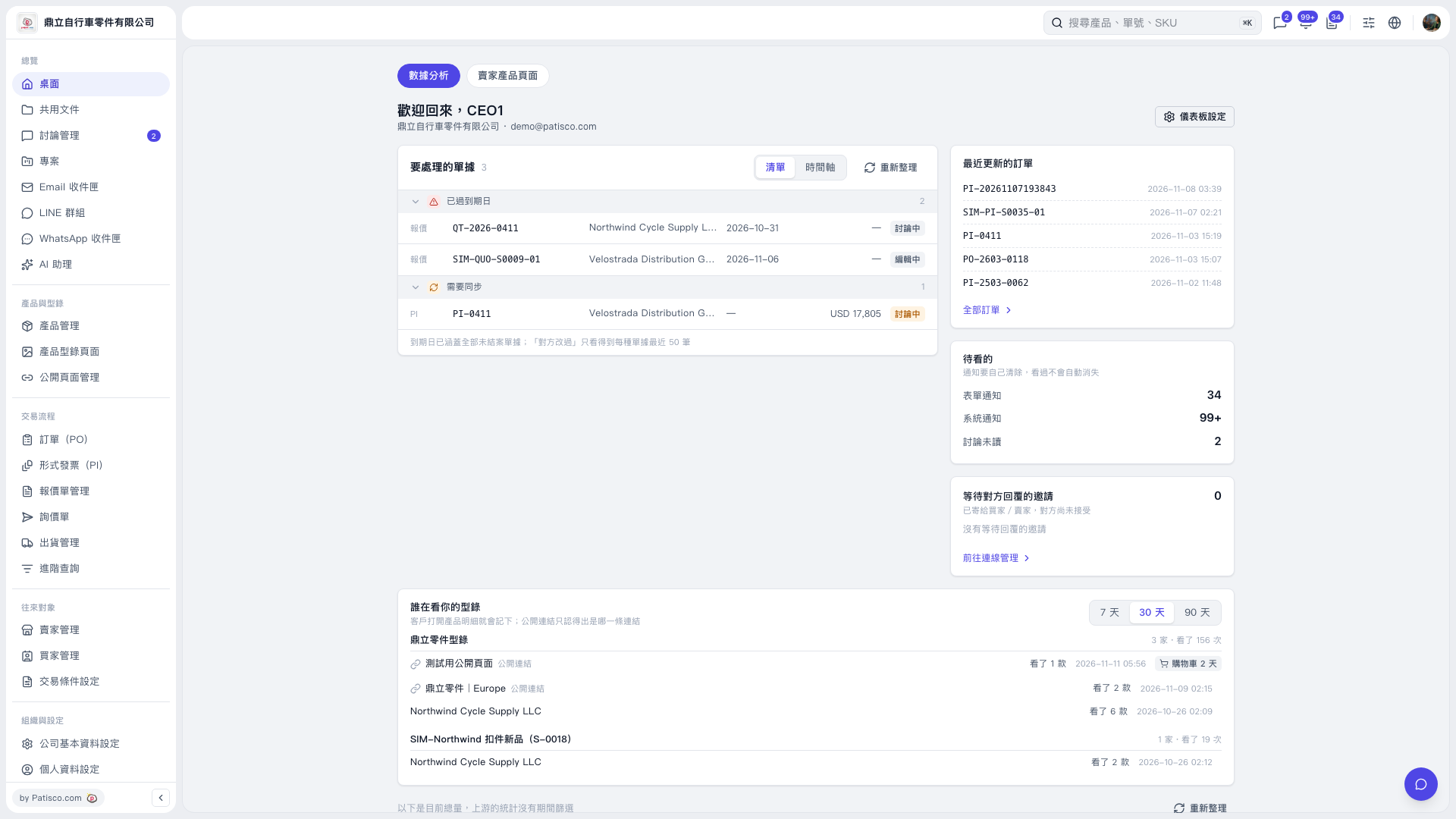
1. In the "Documents to Process" section on the desktop, view documents marked "Past Due" and "Needs Synchronization". 2. Use the document number, trading partner, due date, and document status to identify the items to process. You can also click "List/Timeline" at the top right of the section to switch views. 3. Click the number of the document you want to process to open it, review its details, and take action. 4. After returning to the desktop, click "Refresh" to update the documents that need attention.
 V5 新桌面版|歡迎回來,CEO1