
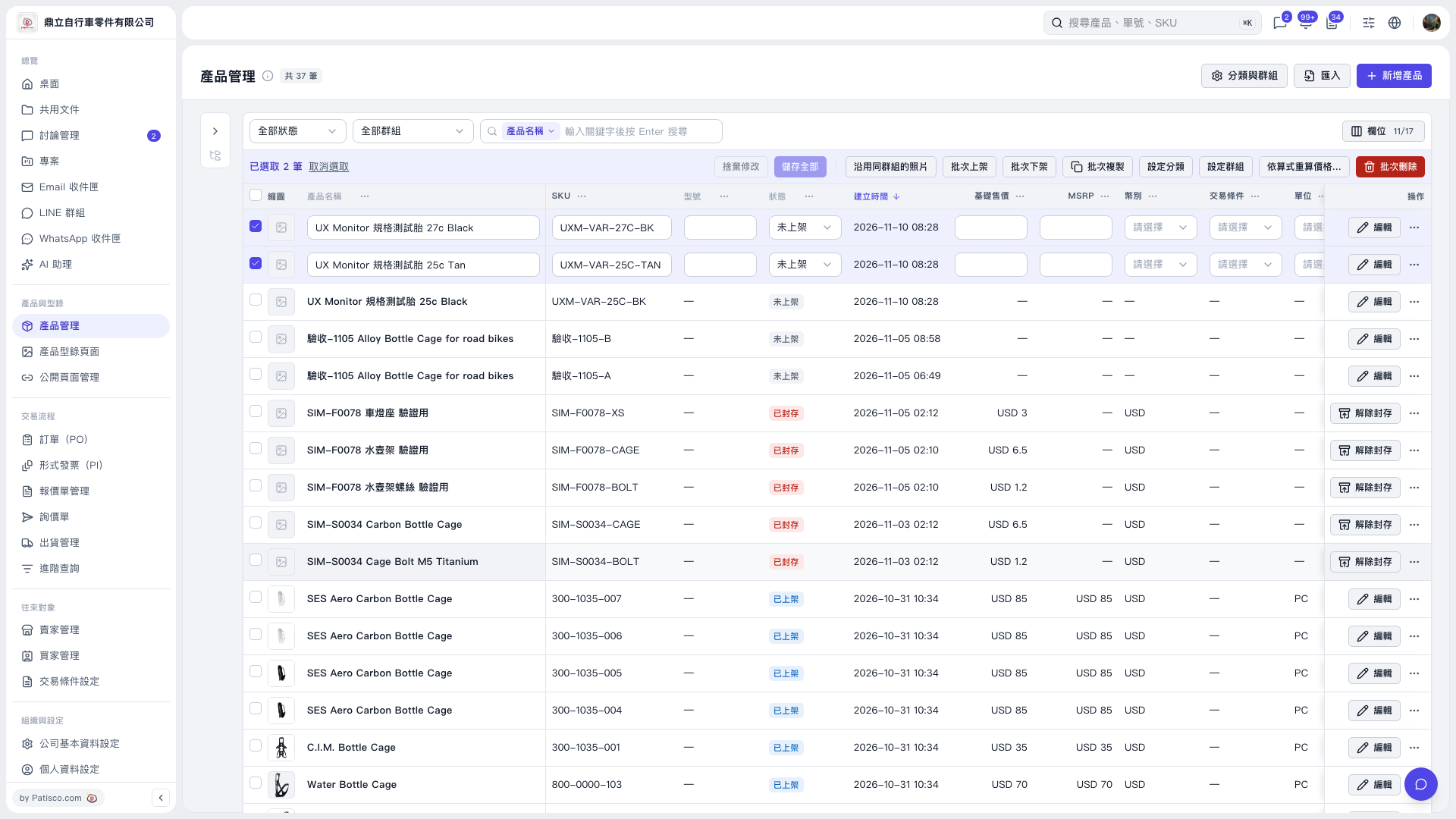
1. On the "Product Management" page, use the "All Statuses" and "All Groups" filters, or enter a keyword in the "Product Name" search field and press Enter to find the products you want to adjust. 2. Select the checkboxes on the left side of the product rows to select multiple products. 3. Click "Recalculate Prices Using Formulas…" on the right side of the bulk action bar to proceed with the settings and review the preview. 4. Confirm the number of records to be processed in the preview. In this demo, 2 products were selected, and the preview contained 4 rows, all marked "Skip". The primary buttons for both "Fill Missing Only" and "Overwrite All" showed "Write 0 Records". The write button was not clicked, so no prices were changed.
 V5 新桌面版|產品管理