
1. Find the "My Email" section on the "Profile Settings" page. 2. Depending on your email service, click "Connect Google Email" or "Connect Microsoft Email." 3. Follow the authorization process to sign in to your email account and grant access. If your company's Microsoft account is blocked, click "If your company's Microsoft account is blocked, ask your IT administrator to approve access" below the button to view the approval information. 4. Once connected, incoming and outgoing emails will appear in the document's discussion thread. Replies sent from Patisco will be sent from your own email account and will also appear in that account's Sent folder.
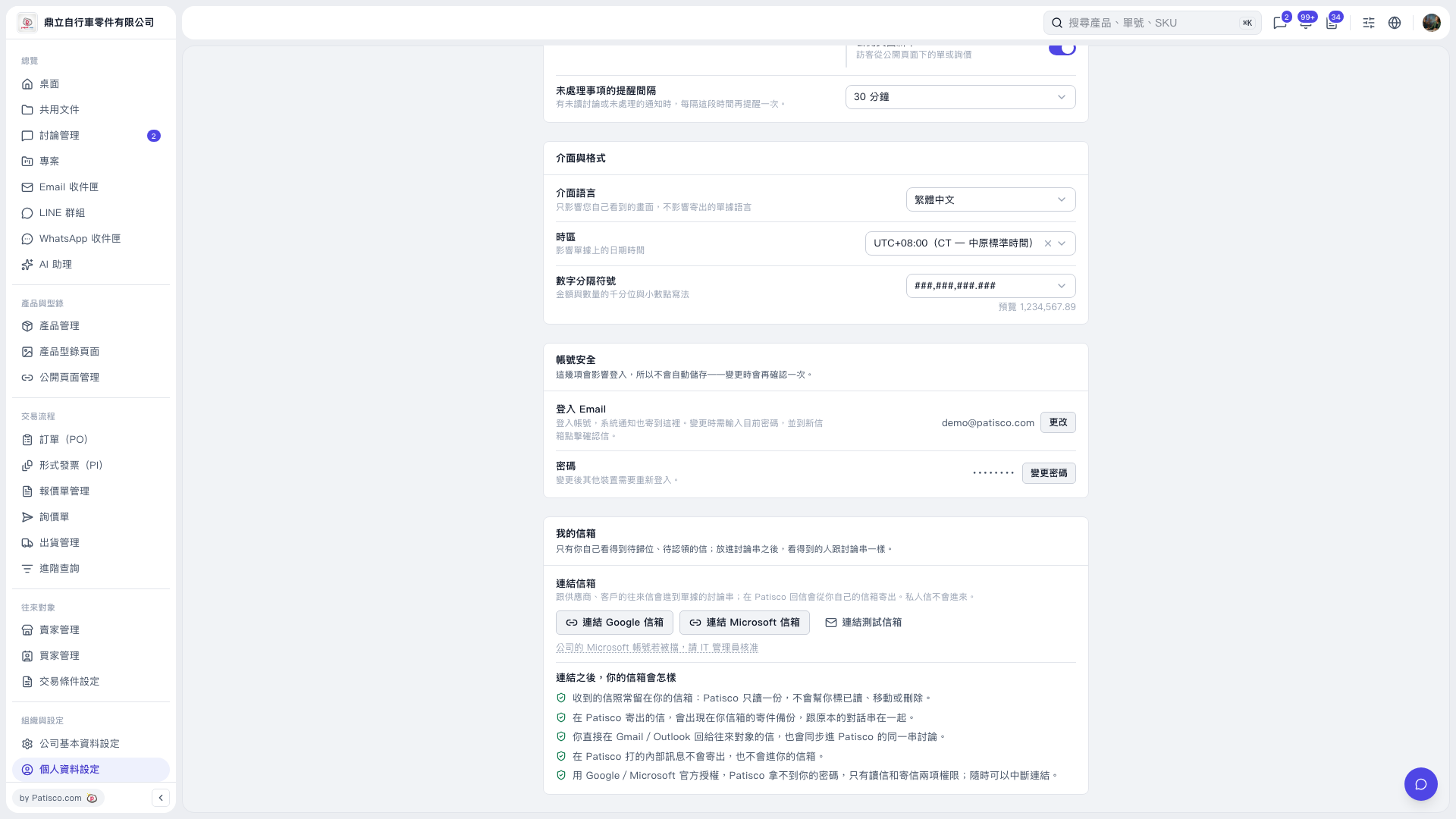 V5 新桌面版|個人資料設定