
1. Click "AI settings" under "Integrations and payments" in the left menu. 2. Under "AI provider", select Claude or ChatGPT, then select a corresponding model. The Claude models listed on the screen are "Claude Sonnet 5" and "Claude Haiku 4.5". 3. Enter the "API Key", confirm the provider and model, and click "Update settings". The provider and model must be saved together. Saving also activates the settings.
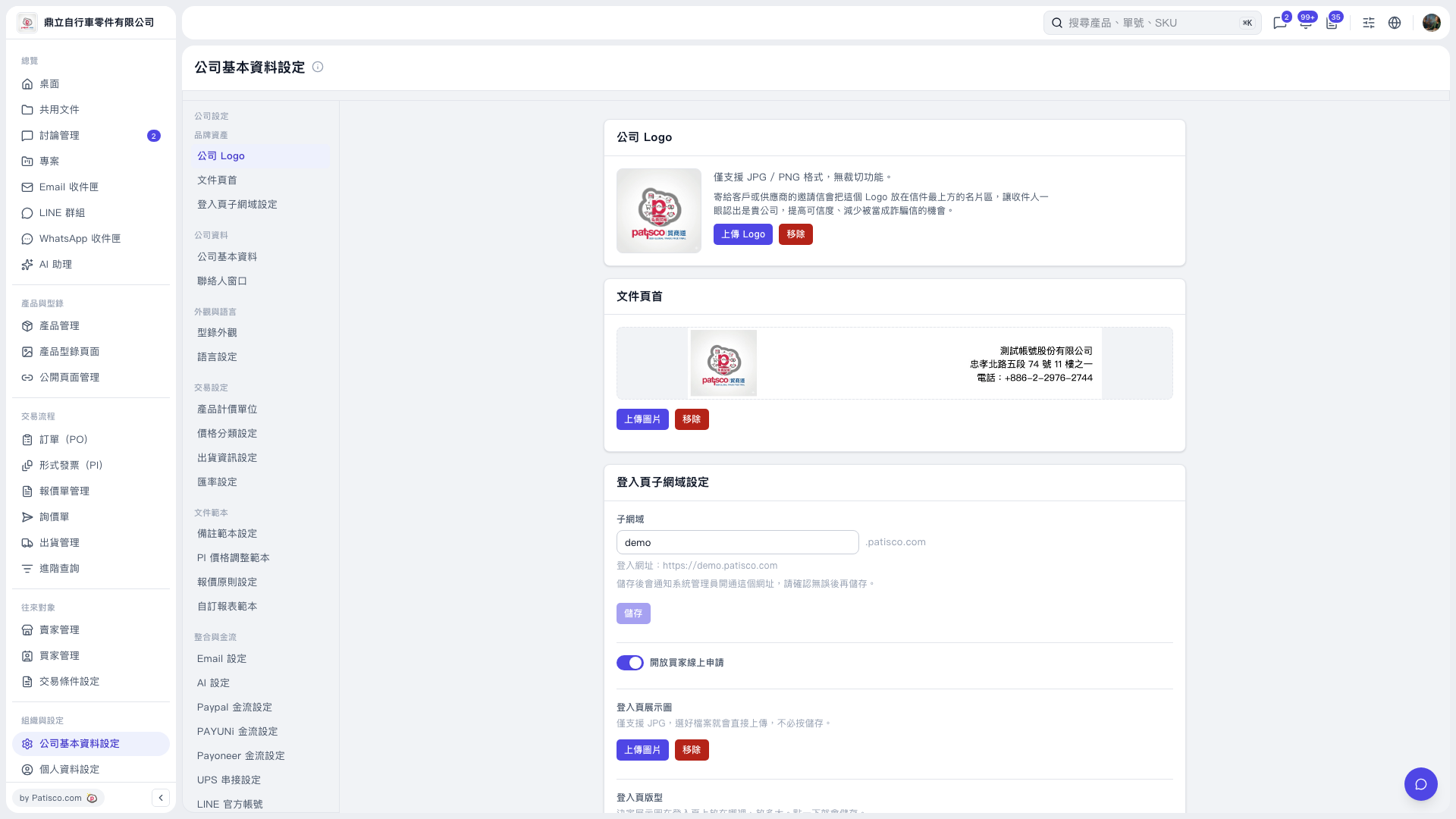 V5 新桌面版|公司基本資料設定